
The perfect client portal for freelancers
Look professional with a tidy, branded portal for every client. Their files, updates and deliverables live in one place on your WordPress site — so you stop resending the same links.


yoursite.com/portal/care-plan
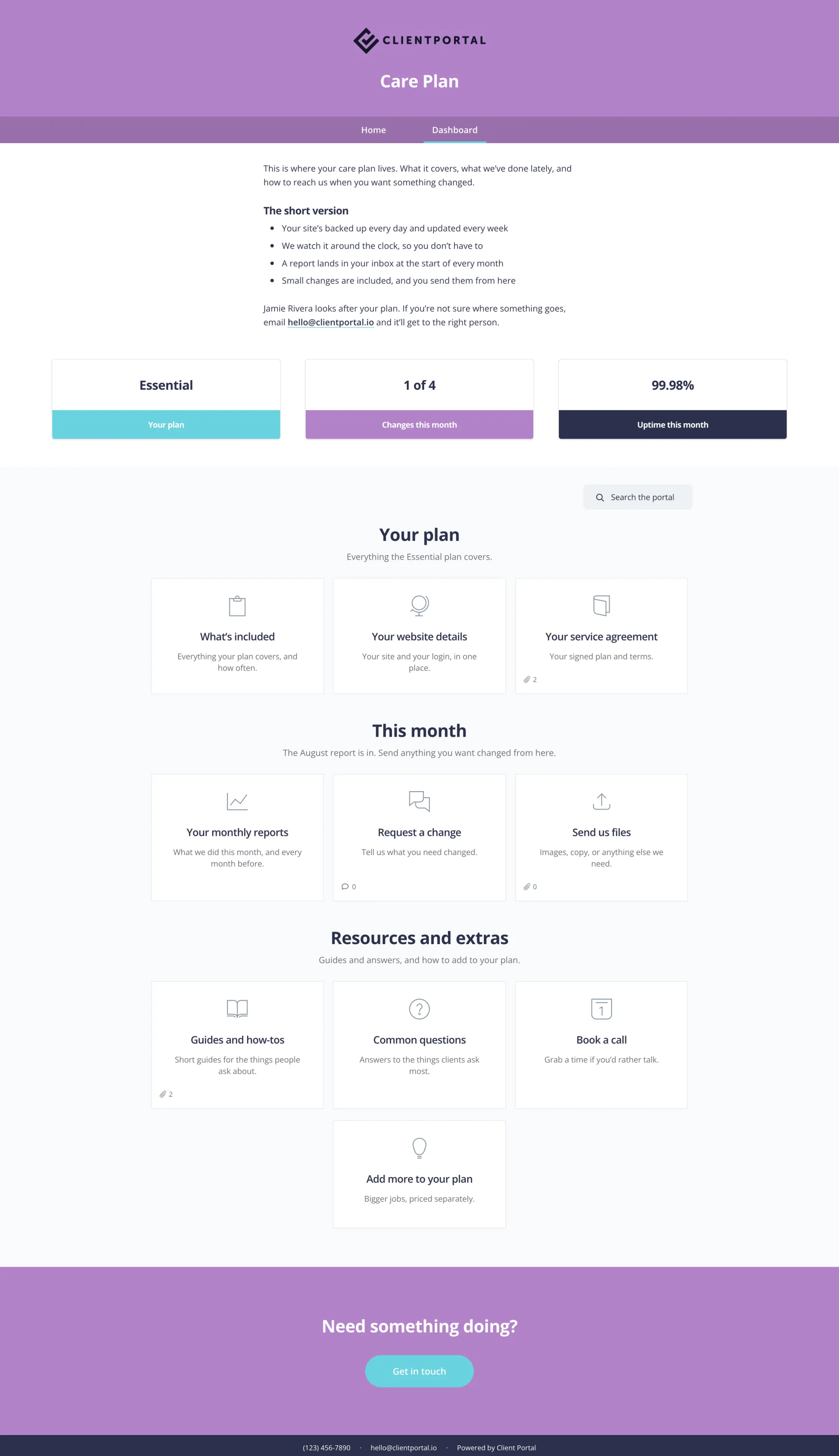
Scroll to see the full portal.
What’s in a freelance client portal
Most freelancers run a similar arc from kickoff to handover. Here’s a simple structure you can reuse.
Kickoff
- Welcome note
- How we work
- Signed agreement
- Intake form
Assets
- Brand files
- Content uploads
- Shared docs
Work in progress
- Drafts
- Prototypes
- Feedback
Delivery
- Final files
- Handover notes
- Invoice link
Ongoing
- Care plan updates
- Support form
- Renewal dates
You’re the brand — the portal should feel like it
As a freelancer you wear every hat. Clients still expect a polished experience.
Email threads and Drive links work until they don’t. Then you’re digging for the logo pack you sent three weeks ago.
Client Portal gives each client one place on your site. You look organised. They stop asking where things are.
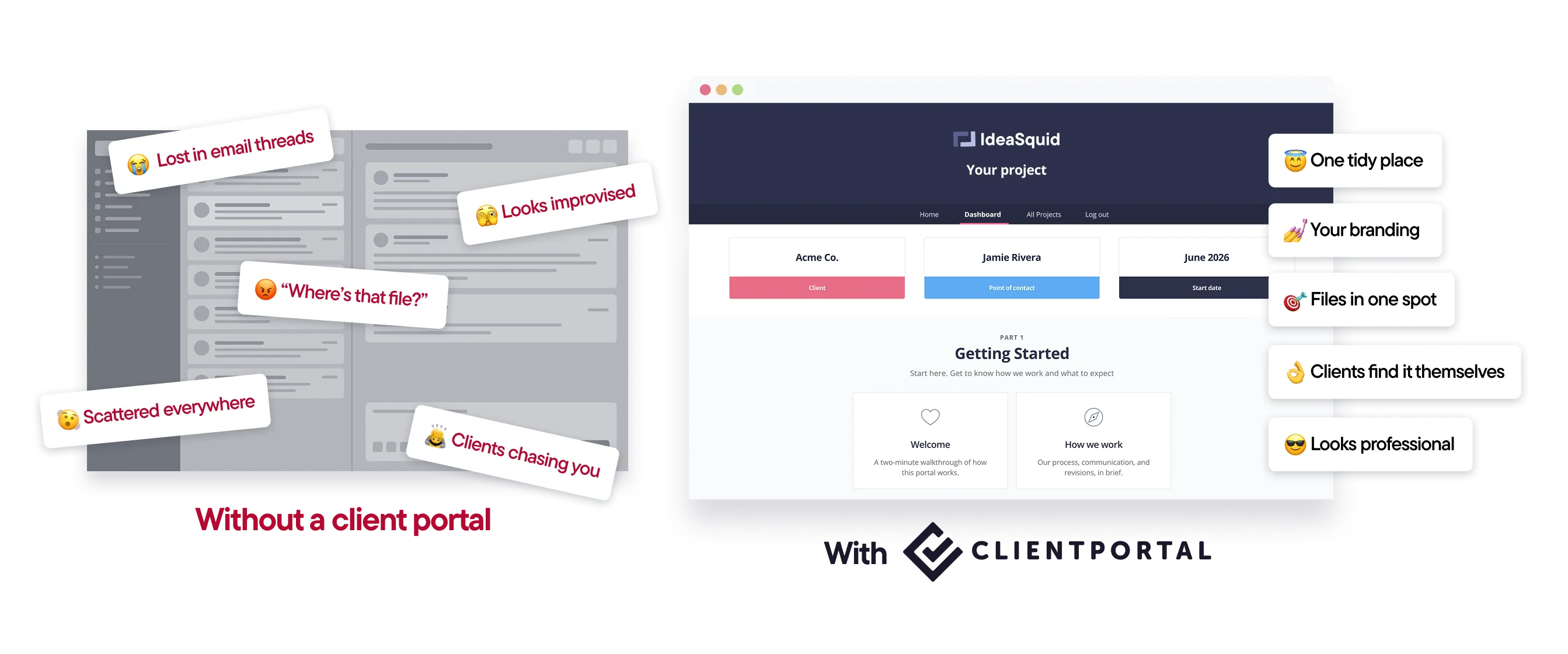
One portal per client, on your domain
Client Portal is a WordPress plugin. Portals live on your site, with your branding.
Keep whatever tools you already use for the work. The portal is just the bit your clients see.
Reuse the same structure for every new client so you’re not rebuilding from scratch.
How it works
Start from a template.Onboarding and project layouts get you moving in minutes.
Add your links and files.Forms, docs, drafts and booking links stay where they are.
Invite the client.One link. Same place next month.
Duplicate for the next job.Save your setup as a template and reuse it.

“I finally feel like a proper agency now I have Client Portal. It’s something I’ve always wanted but I’ve never been able to find anything close to it.”
Features freelancers use most
Your brand, your domain
Portals look like part of your business — not a third-party app.
Private files
Client files stay out of the WordPress media library.
Templates
Build once, reuse for every new client.
Notifications
Know when clients upload or leave a comment.
Multiple portals per client
A project portal and a care plan can sit side by side.
Works with your tools
Embed forms, docs and booking links you already use.
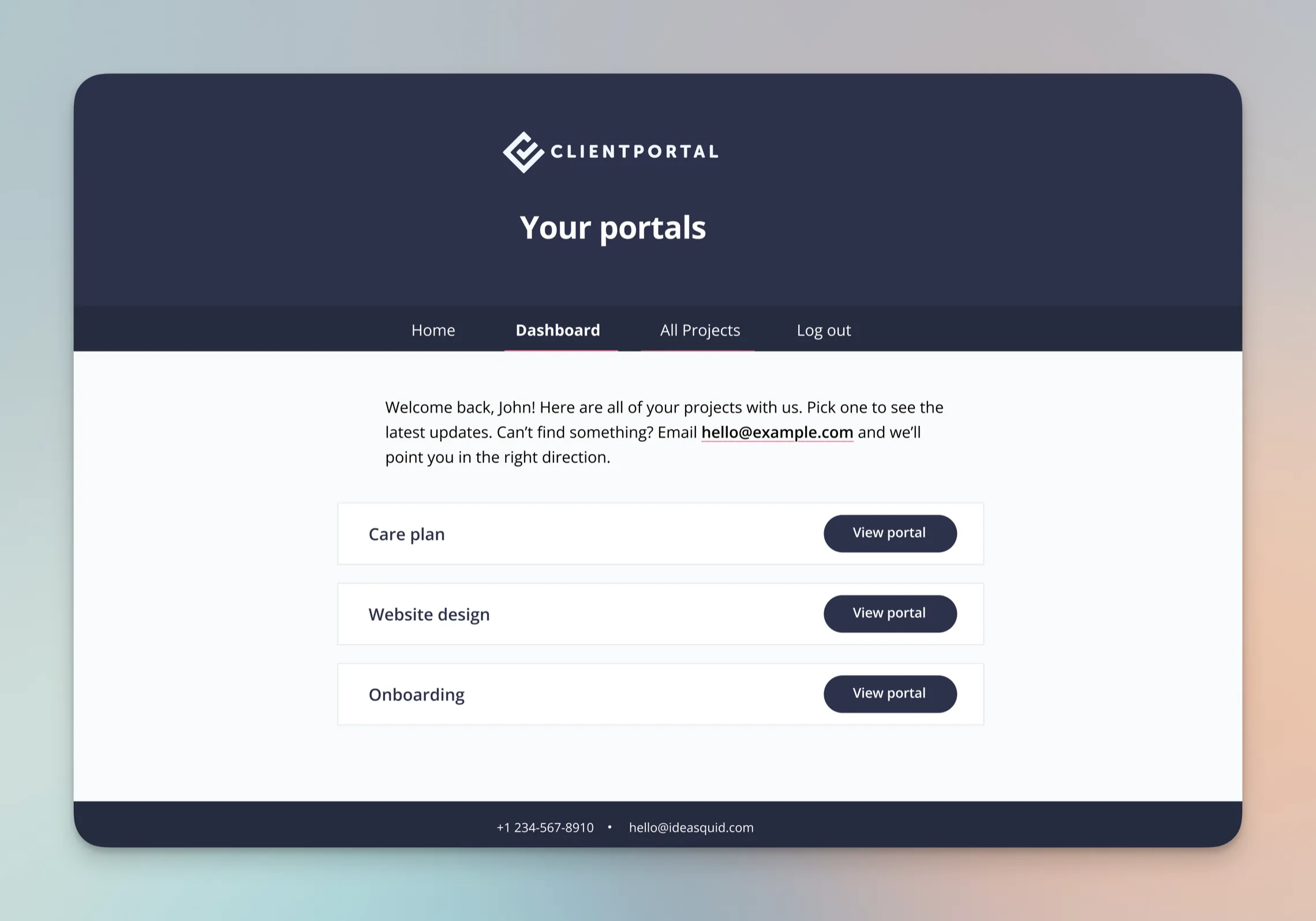
What freelancers say about Client Portal

I’m a graphic designer and developer with my own business, and Client Portal has been such a huge help. Each client has totally loved using it, and it’s made things so much easier for them and for me!
–Hannah Beasley

I finally purchased it, and within days of using it, I had a few project templates created, went live with it, and clients absolutely love it.
–Rob Marlbrough

I am so glad I found your product and that it is very flexible ❤️ It will help me as a small freelancer, then agency and possibly selling online courses in the future without spending a lot of money on other platforms. Thanks for developing this!
–Natalia from Green Studio
Templates you can use today
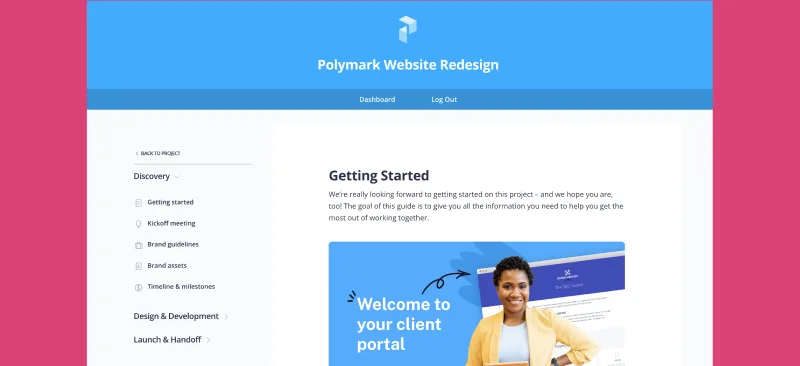
Import a ready-made portal, swap in your links and branding, and send it to your next client.
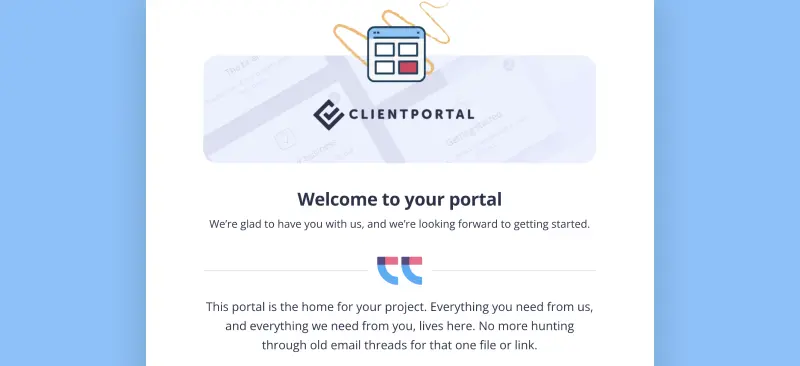
Client Onboarding
Use Client Portal to onboard every new client the same way
Care Plan
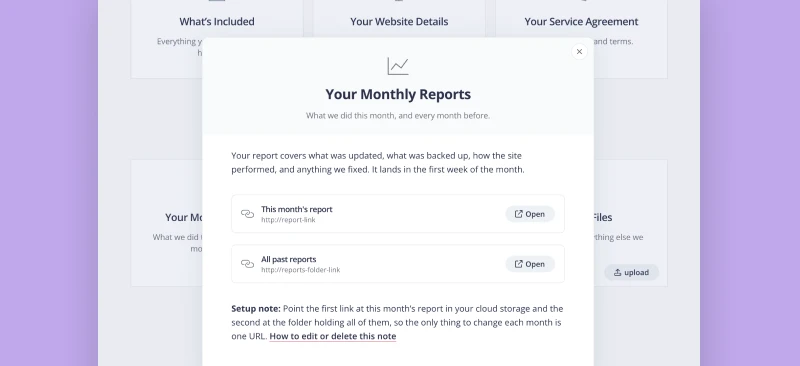
Ongoing site care, in one place. Plan details, this month's report, and small changes on request.
Is Client Portal right for freelancers?
It’s a good fit if:
- Your site runs on WordPress
- You want clients to have one place for files and updates
- You’d rather keep your existing tools than move into an all-in-one platform
It’s probably not the right fit if:
- You want proposals, invoicing and e-signatures in the same product. An all-in-one suite may suit you better.
- You’re not on WordPress.
$199 a year · 30-day money-back guarantee

“I now know where everything is and feel so much more in control. Using Client Portal made me feel like I could finally call myself a professional.”
Frequently asked questions
“I’m solo — is this overkill?”
No. Freelancers are a big part of who we built it for. One portal per client is often enough to stop the “can you resend that?” emails.
“Does it replace my project management tool?”
No. Keep Asana, Trello or Notion for your work. Client Portal is the tidy client-facing layer.
“How much does it cost?”
$199 a year for one site, with a 30-day money-back guarantee. There’s no higher tier.
Give every client a portal that makes you look organised
Client Portal is $199 a year for one site, with unlimited portals and clients. There’s no higher tier. 30-day money-back guarantee.
Get Client Portal