
The perfect client portal for consultants
Give each client a professional home for reports, proposals, worksheets and next steps — on your WordPress site, under your brand.


yourfirm.com/portal/paid-discovery
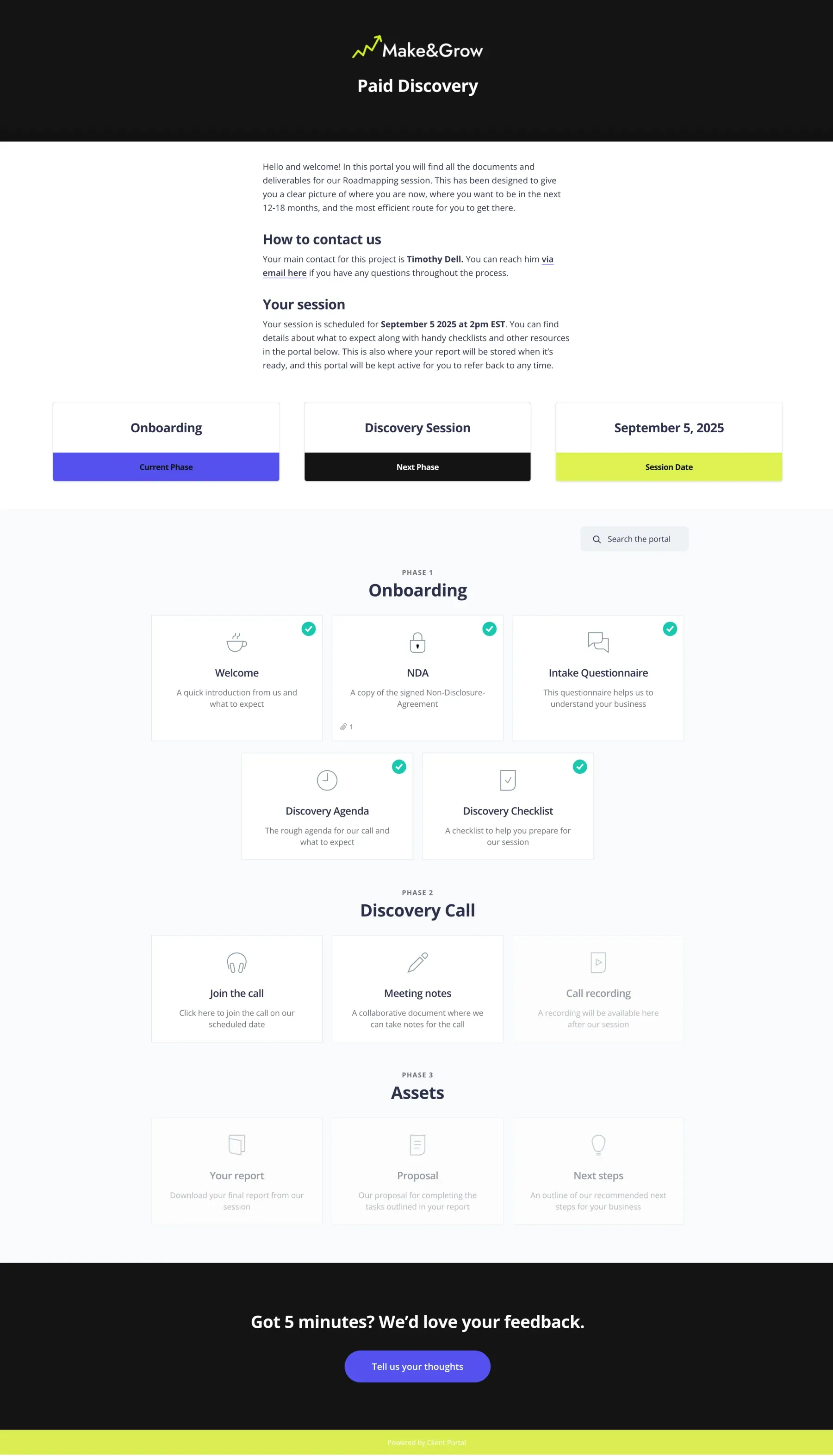
Scroll to see the full portal.
What’s in a consulting portal
Engagements differ, but the client-facing arc is usually the same from discovery to follow-up.
Discovery
- Welcome
- Agreement
- Intake questionnaire
Research
- Shared folders
- Interview notes
- Data requests
Delivery
- Reports
- Slide decks
- Recommendations
Workshops
- Agendas
- Worksheets
- Replay links
Follow-up
- Action plan
- Check-in form
- Renewal options
Clients hired you for clarity — not another inbox hunt
Consulting work produces a lot of artefacts: decks, docs, worksheets, recordings.
When those live in separate emails, clients lose the thread — and you look less organised than you are.
A portal keeps the engagement tidy. One login, one place, your branding.
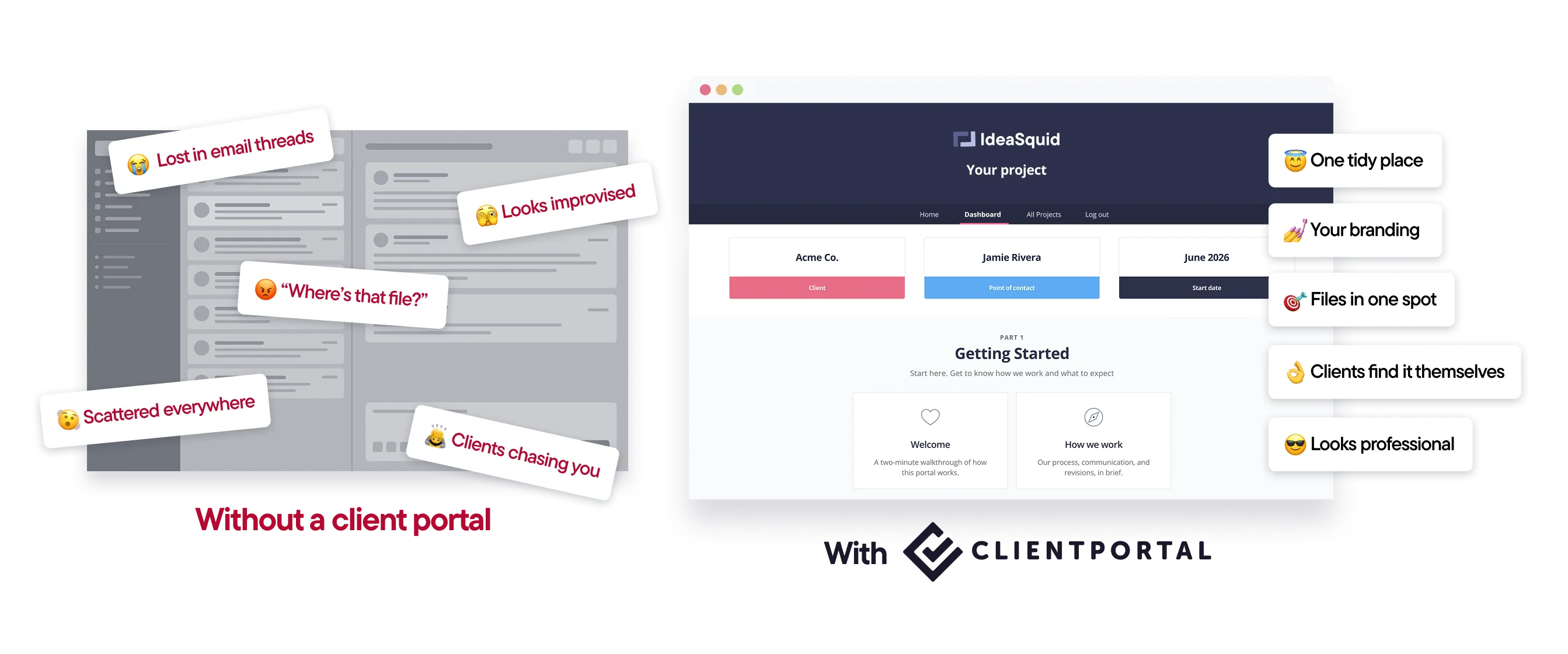
A client-facing hub beside the tools you already use
Client Portal runs on your WordPress site. Clients see your domain, not someone else’s product.
Embed or link to the docs and tools you already use. Nothing has to move.
Reuse the same structure for similar engagements so delivery stays consistent.
How it works
Start from a template.Onboarding and project layouts cover most engagements.
Add reports and links.Decks, docs, forms and booking links go in as they are.
Invite the client.One link for the life of the engagement.
Save it as a template.Reuse the structure for the next similar project.

“I started setting up my first portal and I have to say: wow! This is so cool. And WOAH does that front end look professional.”
Features consultants use most
Reports in one place
Decks, docs and worksheets stay findable after the call ends.
Firm branding
Portals match your site so the experience feels premium.
Private sharing
Sensitive files stay out of the public media library.
Intake and feedback forms
Embed the forms you already use.
Reusable templates
Standardise delivery across similar engagements.
Notifications
Know when a client uploads or comments.
What consultants say about Client Portal
I started setting up my first portal and I have to say: wow! This is so cool. I can't believe how easy it is to add, change, and remove sections on the backend. And WOAH does that front end look professional.
–Alli Blum, SaaS Onboarding Consultant

Client Portal is the perfect tool I’ve needed to get everything systematized for my clients and internally.
–Evangeline Gersich

I will use it for my consulting and agency clients. It's a sales tool as much as a project management tool as it shows prospects that I'm organised.
–Felix Krueger - Krueger Consultancy
Templates you can use today
Import a ready-made portal, swap in your materials, and send it to your next client.
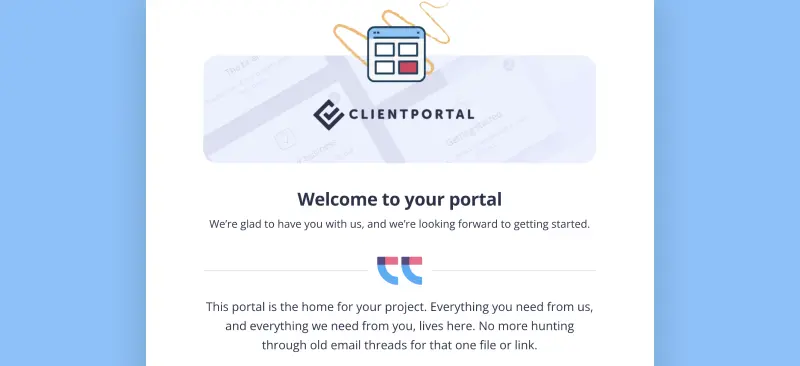
Client Onboarding
Use Client Portal to onboard every new client the same way
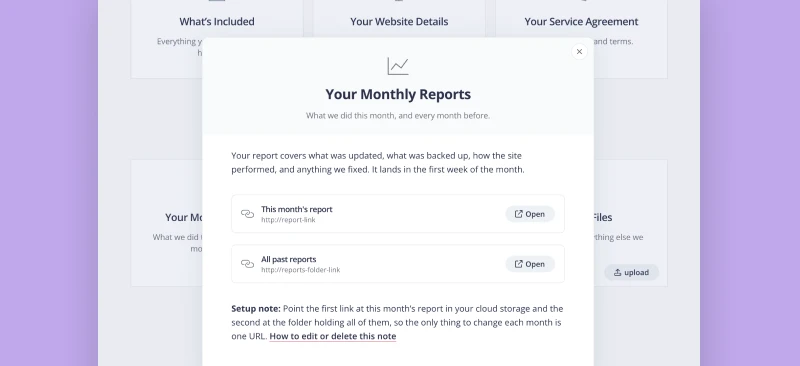
Care Plan
Ongoing site care, in one place. Plan details, this month's report, and small changes on request.
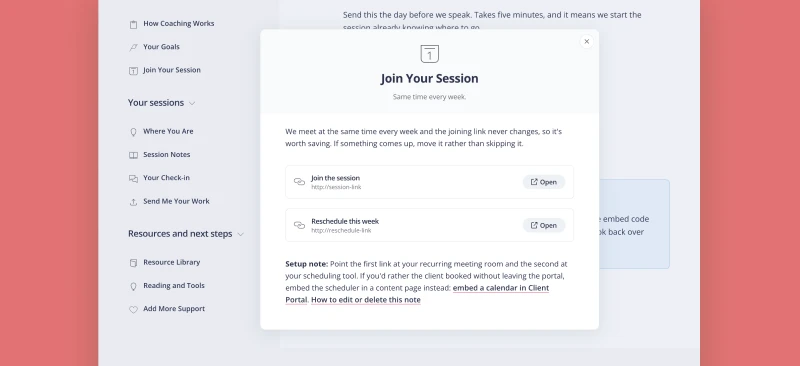
One to One Coaching
A single client's coaching, in one place. Weekly focus, session notes, and anything they send you before a call.
Is Client Portal right for consultants?
It’s a good fit if:
- Your site runs on WordPress
- You share reports, decks and worksheets with clients regularly
- You want a polished client experience without an all-in-one platform
It’s probably not the right fit if:
- You need billing, proposals and e-signatures in the same tool. Keep those elsewhere — Client Portal is the client hub.
- You’re not on WordPress.
$199 a year · 30-day money-back guarantee

“What a fantastic plugin. Simple but effective. Once I installed it and started trialing it, I was left with the ‘why didn’t I think of this’ feeling.”
Frequently asked questions
“Can clients upload documents to me?”
Yes. Clients can upload into their portal, and you get a notification when they do.
“Does it replace my PM or knowledge tools?”
No. Keep Notion, Google Drive or your PM tool for the work. The portal is what the client sees.
“How much does it cost?”
$199 a year for one site, with a 30-day money-back guarantee. There’s no higher tier.
Give every engagement a clear client home
Client Portal is $199 a year for one site, with unlimited portals and clients. There’s no higher tier. 30-day money-back guarantee.
Get Client Portal