
The perfect client portal for your coaching business
Give clients an easy way to access key information and documents from your WordPress website — and a 5-star first impression when they join.


yourcoaching.com/portal/one-to-one
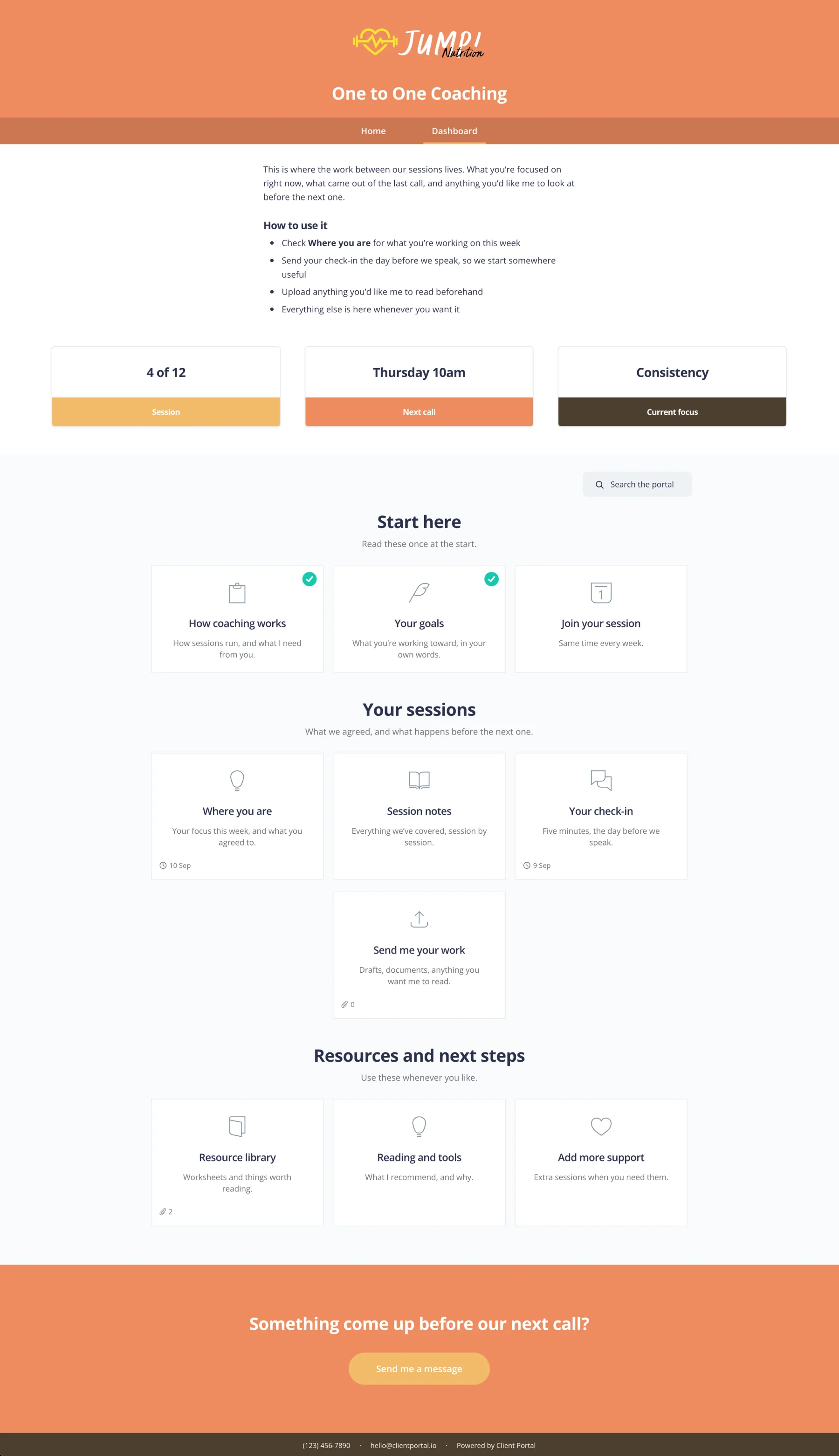
Scroll to see the full portal.
What’s in a coaching portal
Whether you run 1:1 or group programmes, portals usually follow the same arc from welcome to wrap-up.
Welcome
- Welcome video
- How we work together
- Signed agreement
Intake
- Questionnaire
- Goals worksheet
- Scheduling link
Sessions
- Session notes
- Homework
- Resources
Materials
- Workbooks
- Guides
- Replay links
Wrap-up
- Feedback form
- Testimonials ask
- Next steps
Something special when they join — not dozens of plain-text emails
As a coach you provide high-touch services. Clients want results and a 5-star experience.
Giving them their own portal when they join gets them excited and cements that they hired you. Most coaches email dozens of attachments, workbooks, forms and links — and busy clients lose track.
Client Portal gives them a beautiful dashboard they can log into any time to find everything you’ve sent. They’ll thank you, love you, and recommend you.
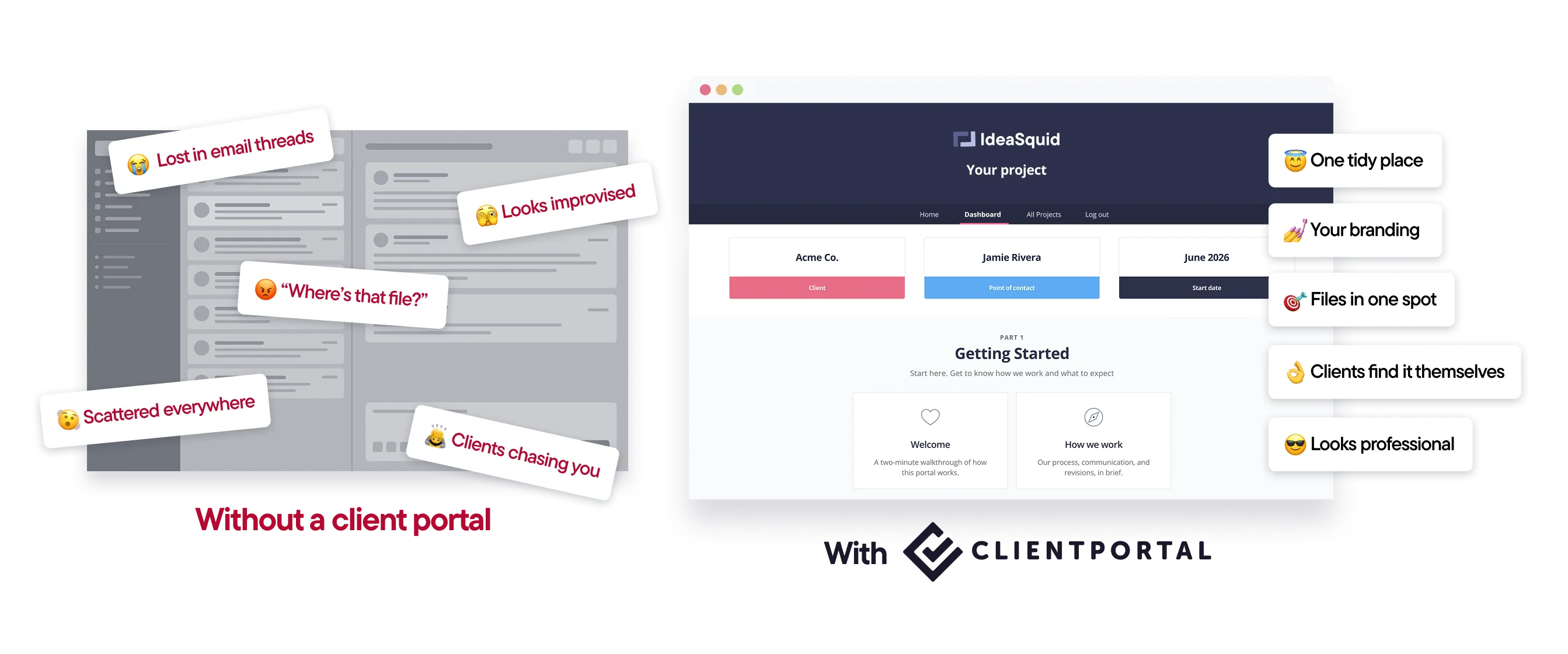
One branded place for every client or programme
Client Portal is a WordPress plugin on your domain, with your branding.
Clients can upload progress pics, contracts and documents. You can run separate portals for different programmes.
Embed intake forms, Calendly links and anything else you already use.
How it works
Start from a template.Onboarding and coaching-style layouts get you moving fast.
Add your materials and links.Workbooks, forms, booking links — as they already are.
Invite the client.One link at the start of the engagement.
Reuse it.Save your structure as a template for the next client.

“I started setting up my first portal and I have to say: wow! This is so cool. And WOAH does that front end look professional.”
Features coaches use most
A memorable client experience
A branded portal feels special from day one — not a pile of attachments.
Client uploads
Progress pics, contracts, documents — kept together.
Portals per programme
Separate portals for different offers when you need them.
Embedded forms
Embed the intake and feedback forms you already use.
Your brand
Match your coaching site so it feels like part of your business.
Templates
Stop rebuilding onboarding for every new client.
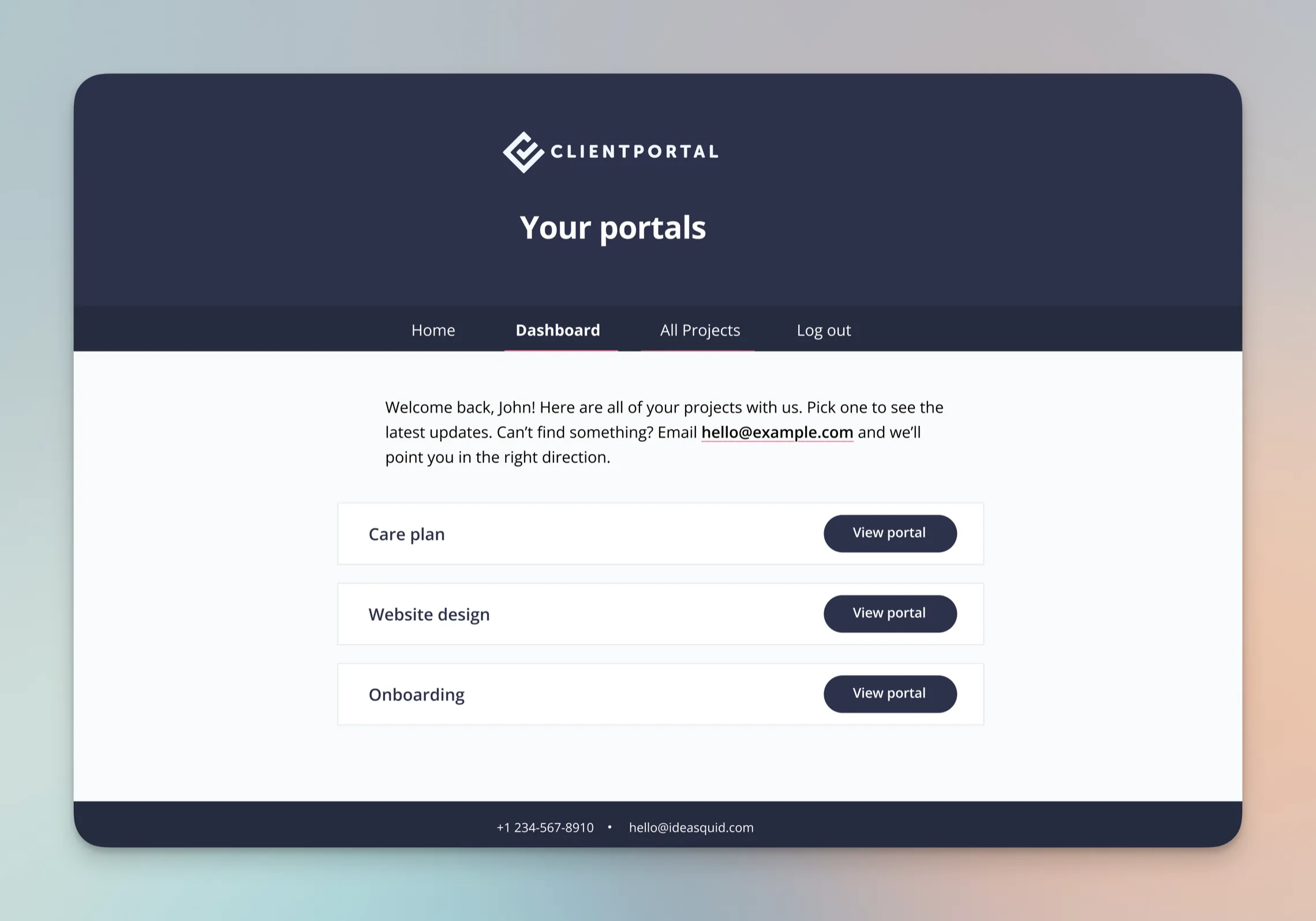
What coaches say about Client Portal

As a business development coach, using Client Portal has allowed me to create an incredible private client experience. Having templates means I no longer need to recreate the onboarding process for individual clients.
–Kymberlee Jay, More Clients Mastery

I've been using Client Portal with my clients for a while now and I LOVE it! My clients frequently tell me how much they love having their own portal. Client Portal lets me offer a truly personalized experience for each client, which helps me stand out in my industry, and it's so easy to use.
–Tris Moon

I haven't yet implemented Client Portal. I am ALREADY crazy in love with it (and with all the improvements you're adding to it).
–Diana Bianchi, Intuitive Business Coach
Templates you can use today
Import a ready-made portal, swap in your programme materials, and send it to your next client.
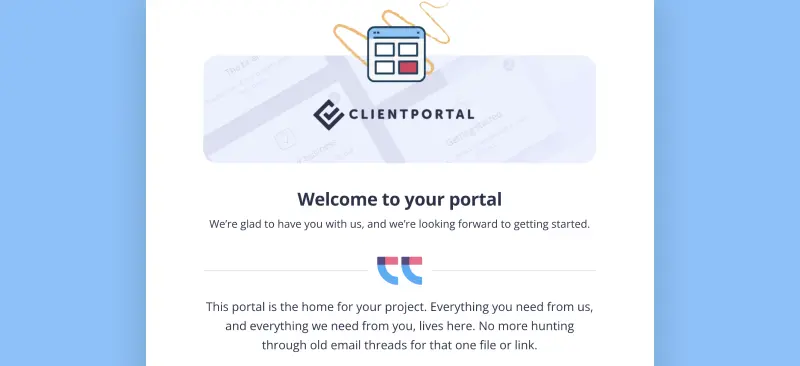
Client Onboarding
Use Client Portal to onboard every new client the same way
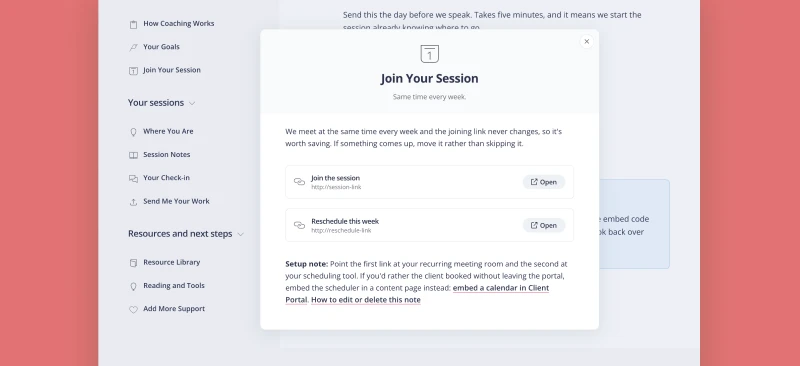
One to One Coaching
A single client's coaching, in one place. Weekly focus, session notes, and anything they send you before a call.
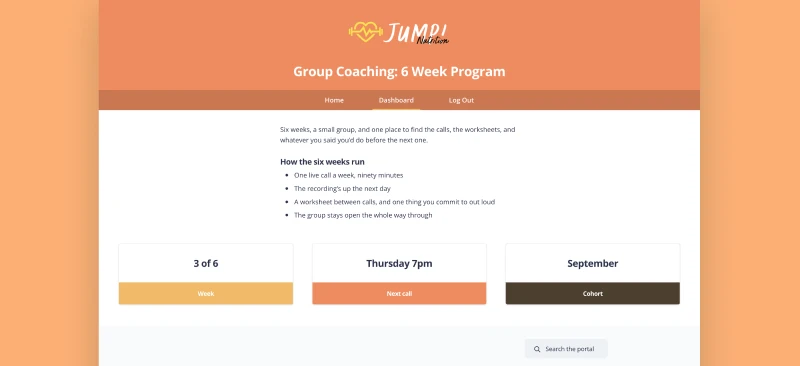
Group Coaching
One portal for a whole cohort. Weekly calls, recordings the next day, and a worksheet between each one.
Is Client Portal right for coaches?
It’s a good fit if:
- Your site runs on WordPress
- You want a high-touch client experience without another SaaS login
- You run repeatable programmes and want reusable portal structures
It’s probably not the right fit if:
- You need an all-in-one coaching platform with payments, community and course hosting built in. Client Portal is the client-facing hub; keep your other tools.
- You’re not on WordPress.
$199 a year · 30-day money-back guarantee
“As a business development coach, using Client Portal has allowed me to create an incredible private client experience. My clients love it. I love it. It's a game-changer.”
Frequently asked questions
“Can I use this for group programmes?”
Yes. You can create a portal per client, or structure portals for group programmes — however you deliver.
“Does it replace my course platform?”
No. Embed or link to course content where it already lives. The portal is the home base around it.
“How much does it cost?”
$199 a year for one site, with a 30-day money-back guarantee. There’s no higher tier.
Give every client a portal they’ll actually use
Client Portal is $199 a year for one site, with unlimited portals and clients. There’s no higher tier. 30-day money-back guarantee.
Get Client Portal