
Use case
One to One Coaching
Keep each client’s focus, notes and homework in one portal so the relationship doesn’t live in your inbox.
Included with Client Portal. Already a customer? Jump to setup

What’s inside
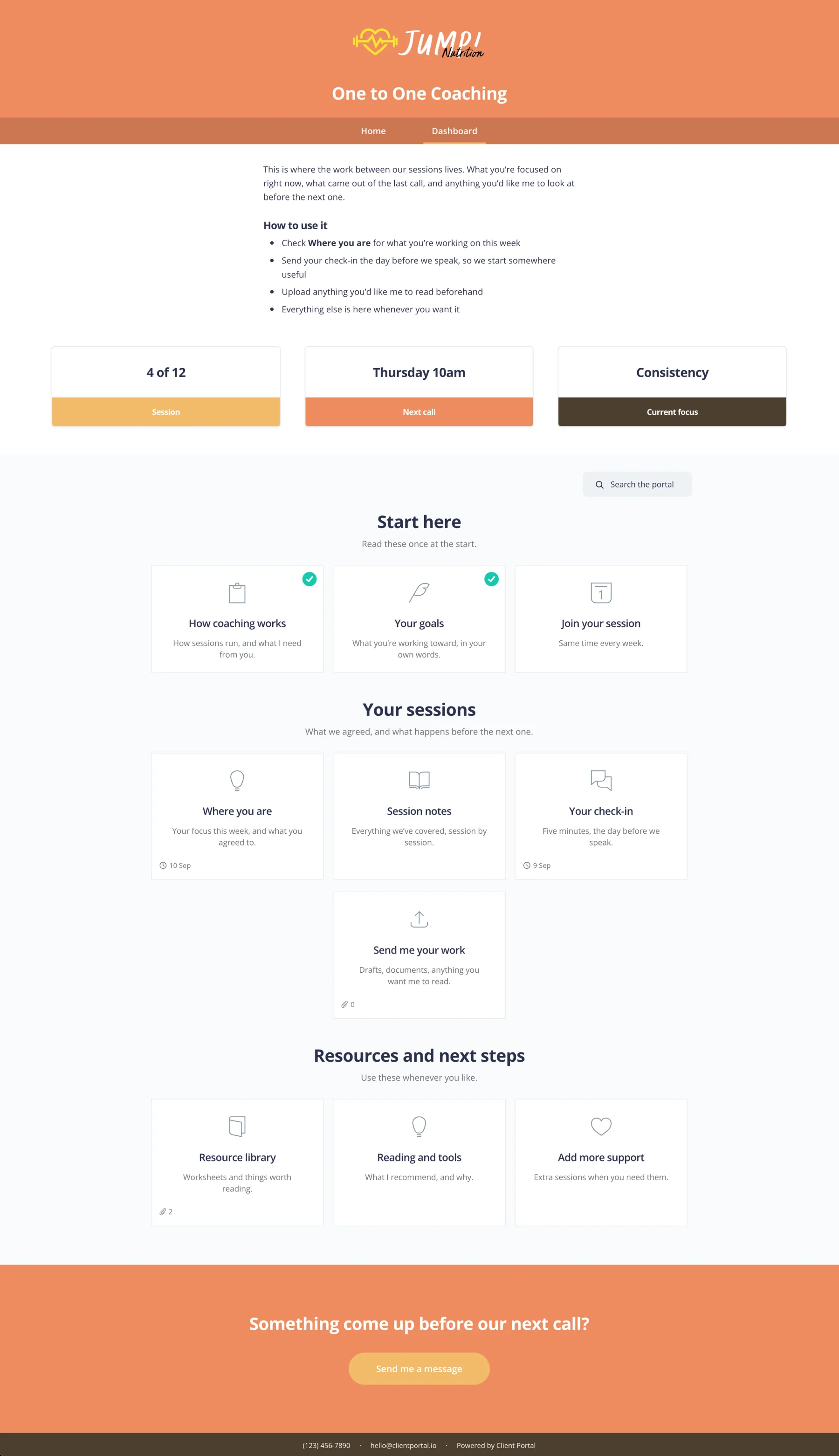
Everything you and a private client need between sessions.
This week’s focus
What they’re working on right now.
Session notes
What came out of the last call.
Client uploads
Anything they want you to see before next time.
Booking link
Where they book the next session.
Resources
Reading, templates and tools you recommend.
When to use it
Use this for private or high-touch coaching. Running a cohort instead? See the group coaching use case.
Most of the work is already done
Every template is a one-click import, so there’s nothing to download or build from scratch. It comes with sample copy you can use as it is or rewrite in your own words, plus tips throughout to help with any gaps in your process. All that’s left is making it yours.
Import it
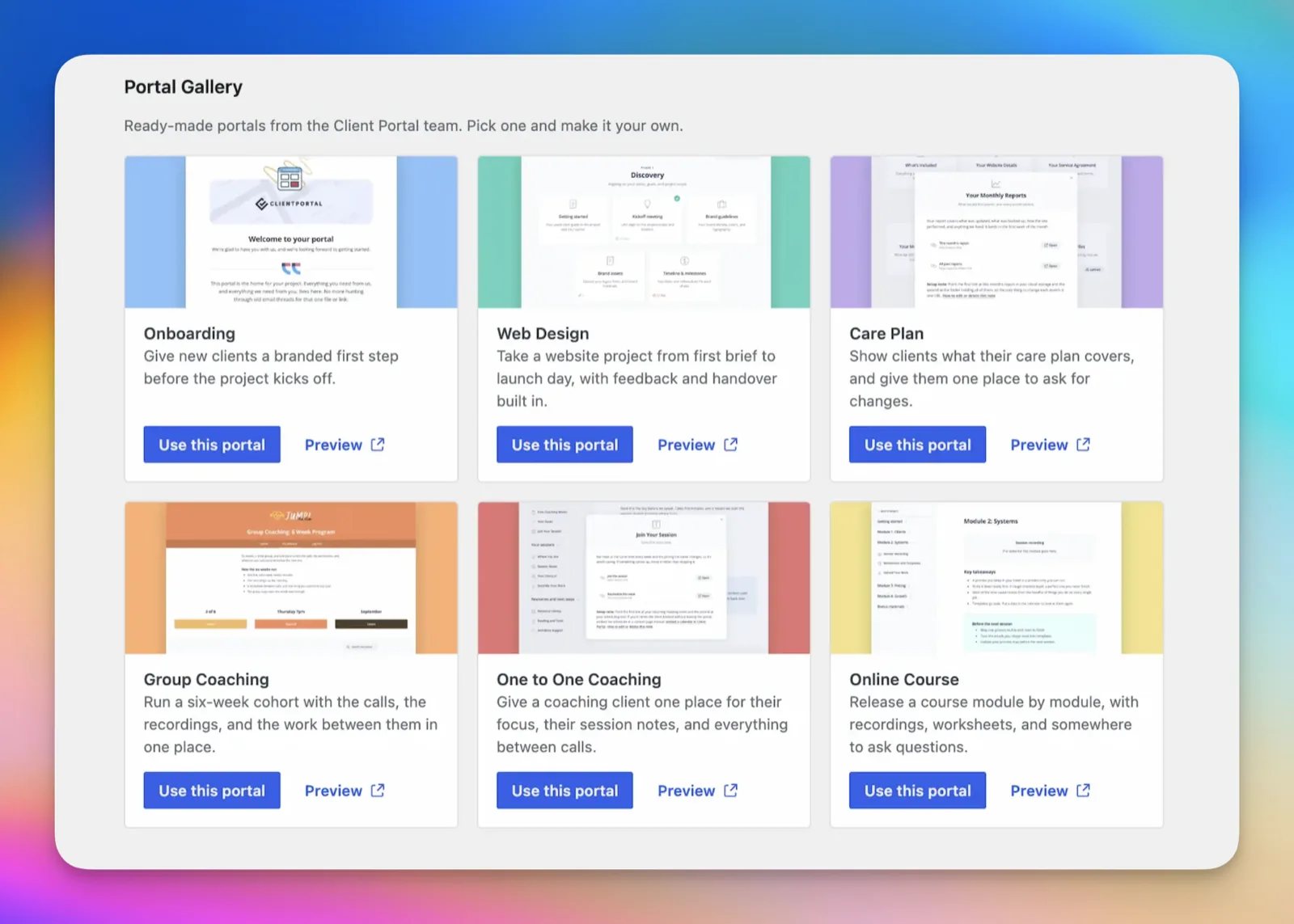
In WordPress, go to Client Portal > Add New and open the Portal Gallery. Click “Use This Template”, and the portal is added to your site, ready to edit.
Make it yours
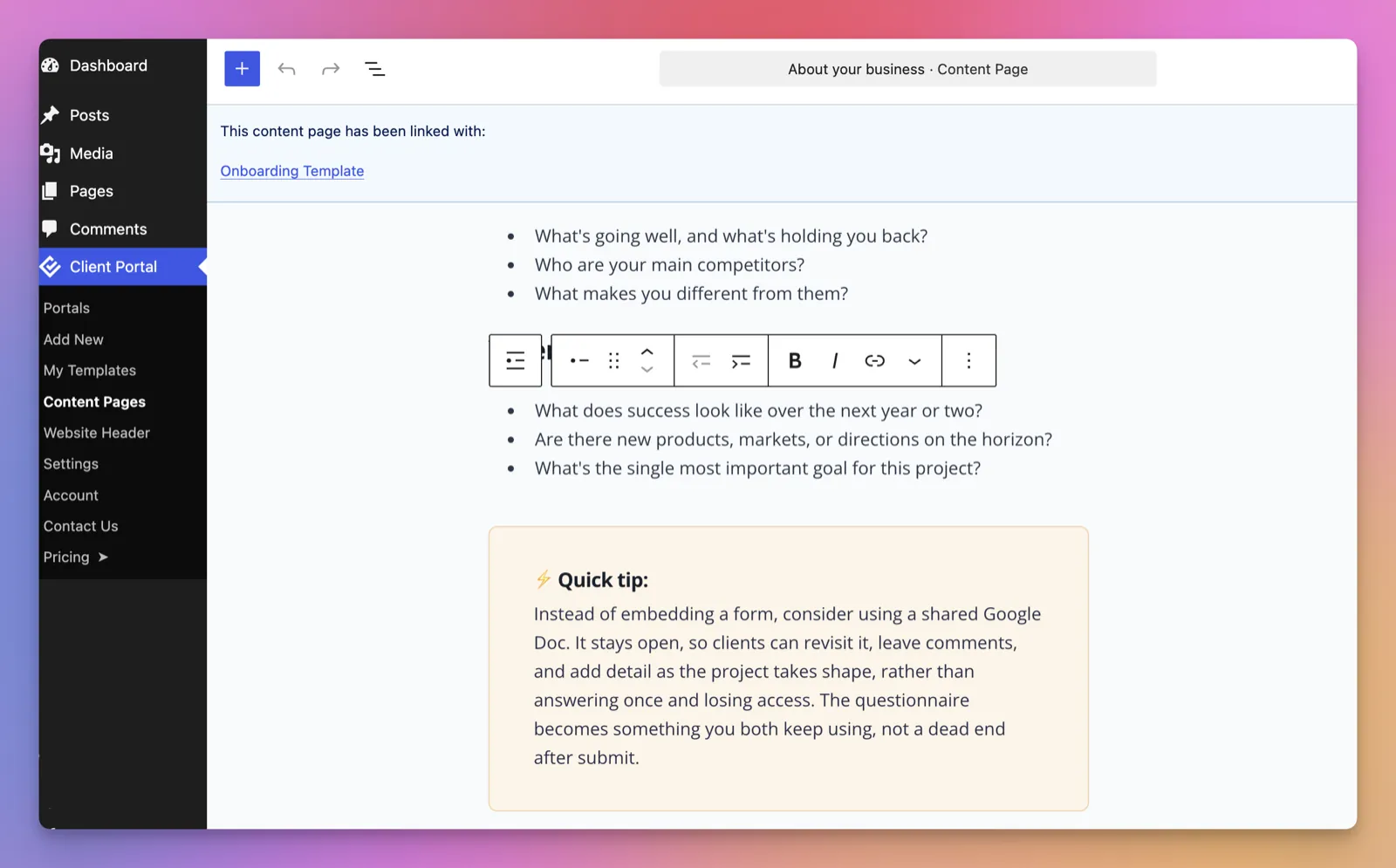
Work through each section, adding your branding, your files and anything specific to how you work. The sample copy is designed to be used out of the box, so change as much or as little as you like. We’ve added helpful tips and tricks throughout.
Share it with your client
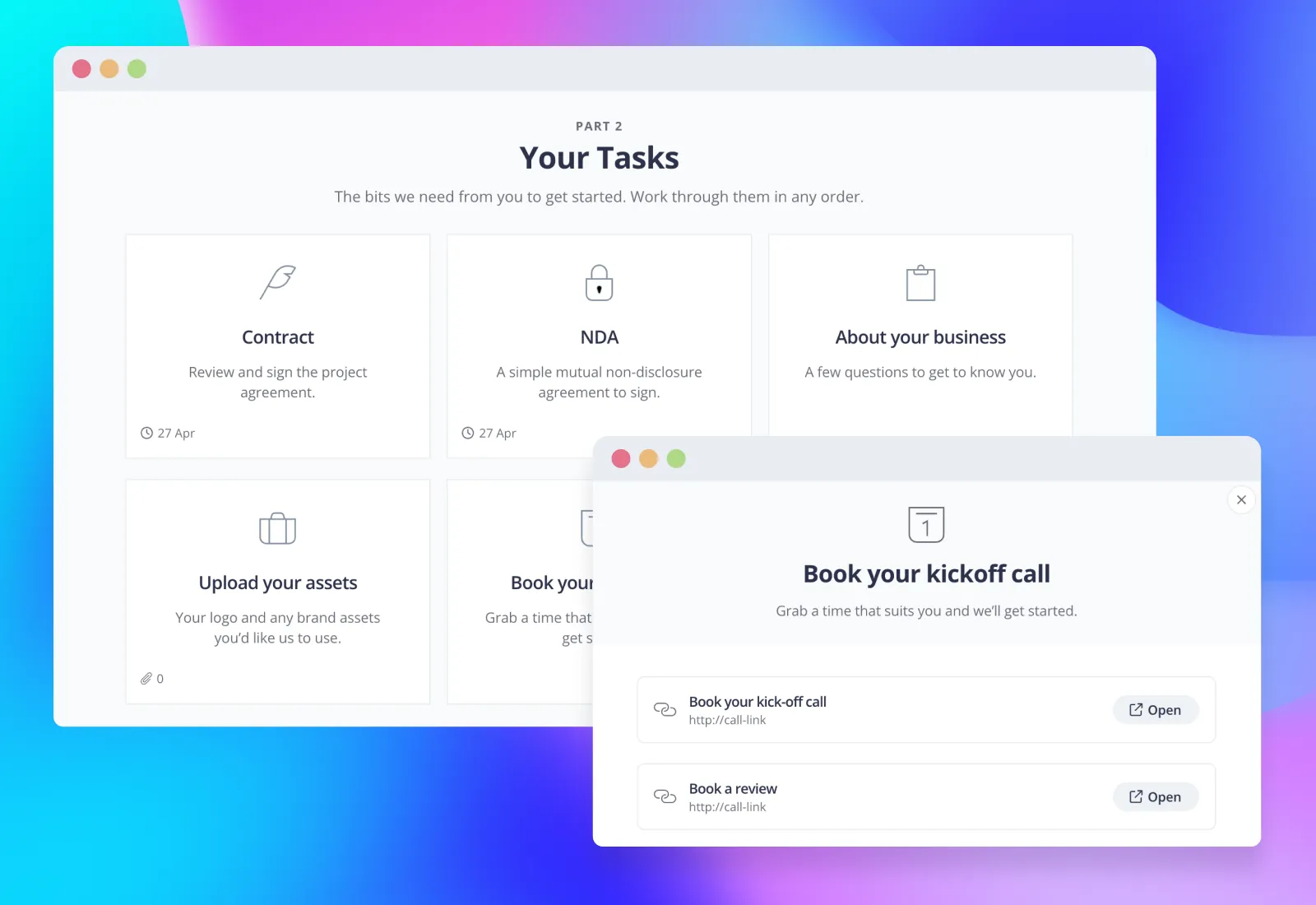
Add your client and send them the link. If you’re not sure what to say, here’s a short email you can copy and adapt.
EmailHi [name], I’m looking forward to getting started on your project. I’ve set up a portal for you where everything will live from now on, so you won’t need to dig through emails to find things. You can see how the project is progressing, what’s coming up next and what’s already been done, and all your deliverables will be there as soon as they’re ready. Here’s the link: [link]. It’s worth bookmarking. Let me know if you have any questions. [your name]

“Using Client Portal has allowed me to create an incredible private client experience. Having templates means I no longer need to recreate the onboarding process for individual clients.”
More use cases
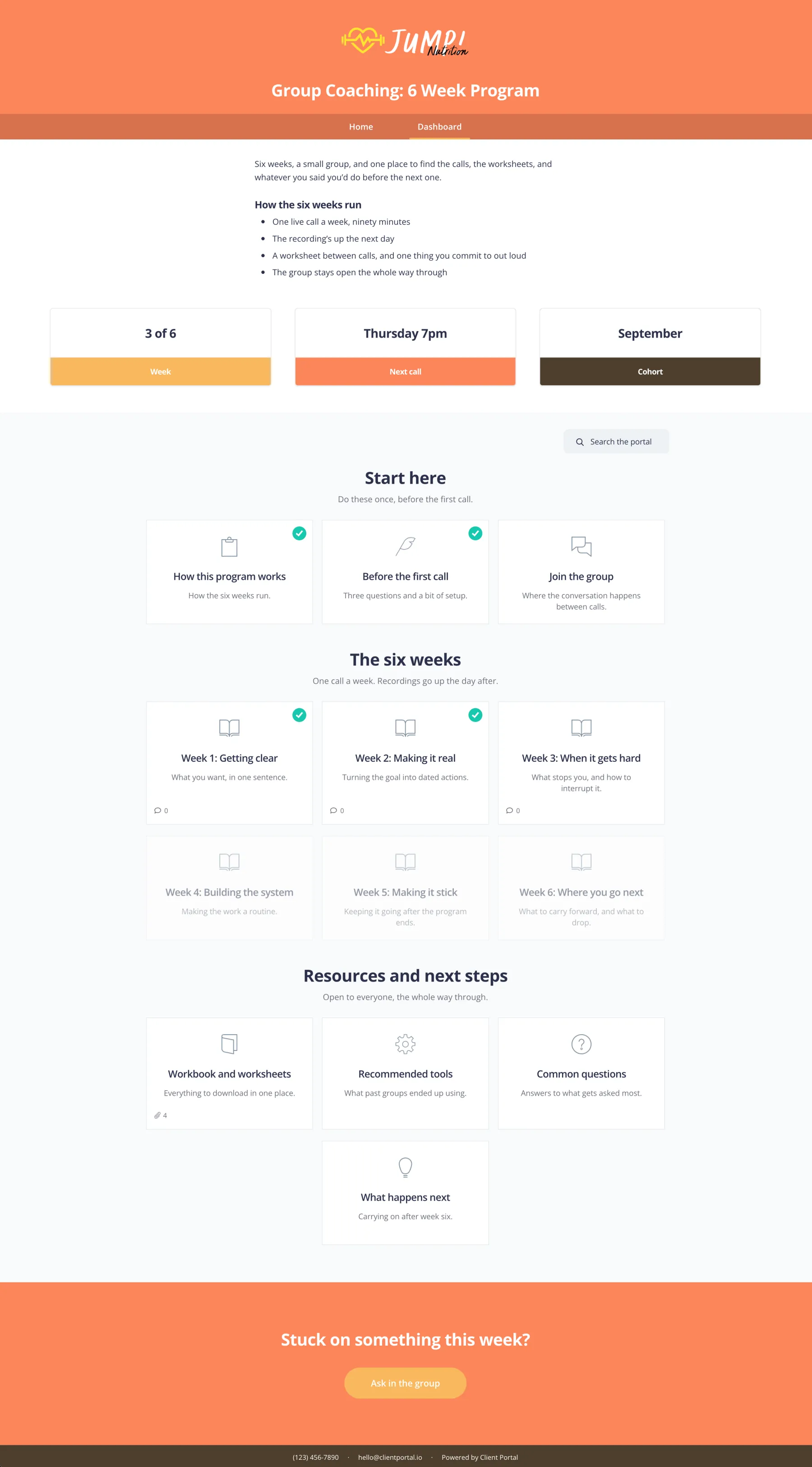
Group Coaching
One portal for a cohort — calls, recordings and worksheets together.
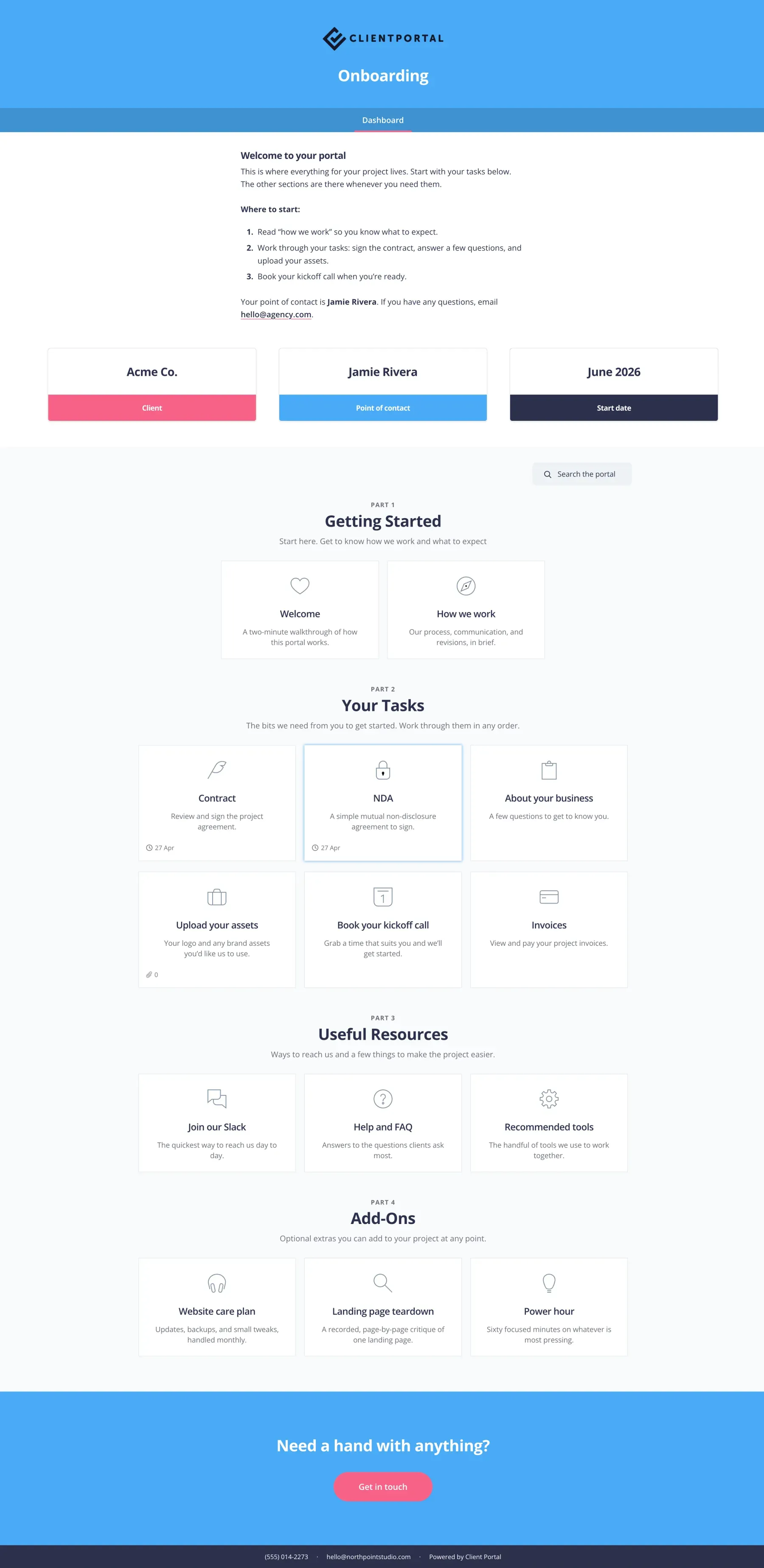
Onboarding
Give new clients a branded first step before the project kicks off.
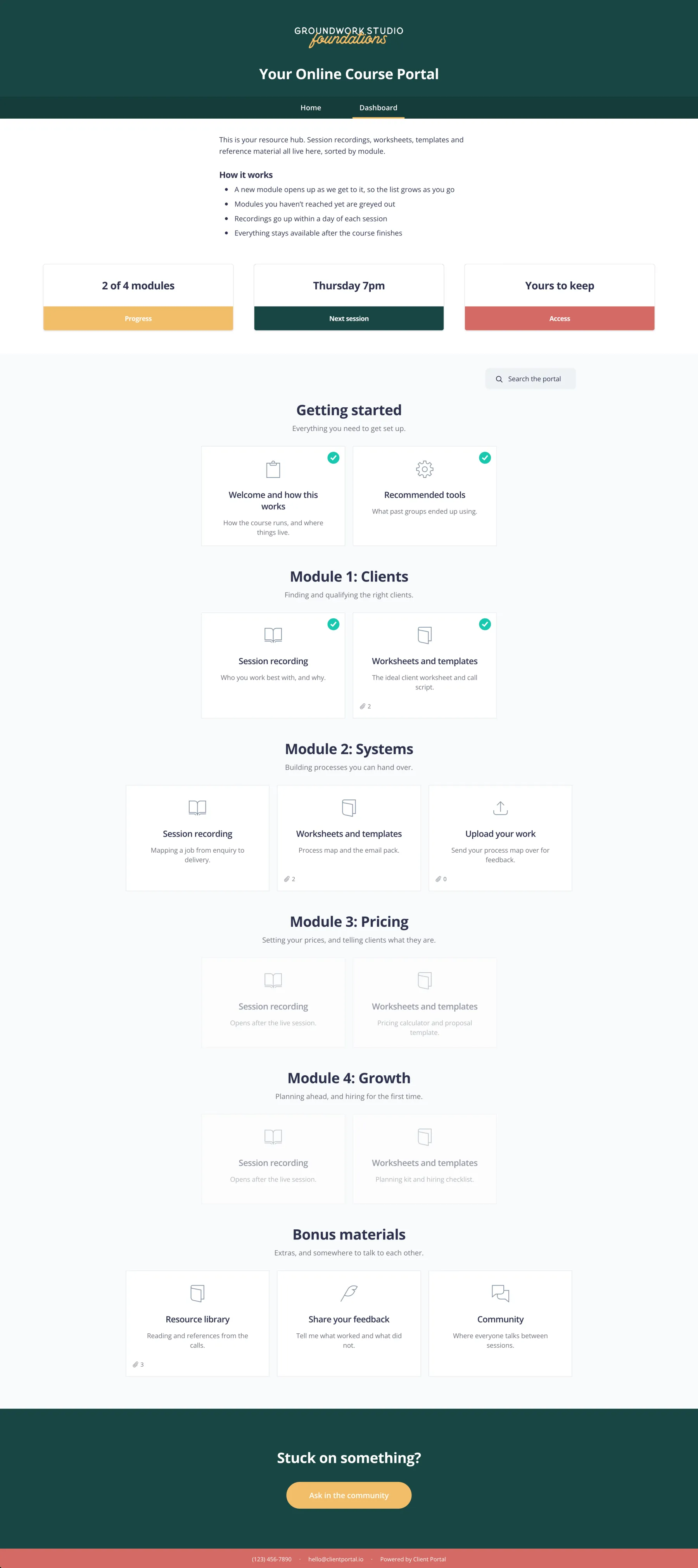
Online Course
Use Client Portal as a simple online course supplement.
Start with a portal that’s already built
This template is included with Client Portal, along with every other template we make. $199 a year, with a 30-day money-back guarantee.
Get Client PortalFrequently asked questions
“Will importing a template change my existing portals?”
No, it creates a new portal and leaves everything else alone.
“Can I edit everything?”
Yes. Once it’s imported it’s a normal portal, so you can rename, remove or add anything.
“Do templates cost extra?”
No, they’re all included with Client Portal.