
Use case
School and Parent
Give parents one login for term dates, forms and announcements, so they stop emailing for the same PDF.
Included with Client Portal. Already a customer? Jump to setup

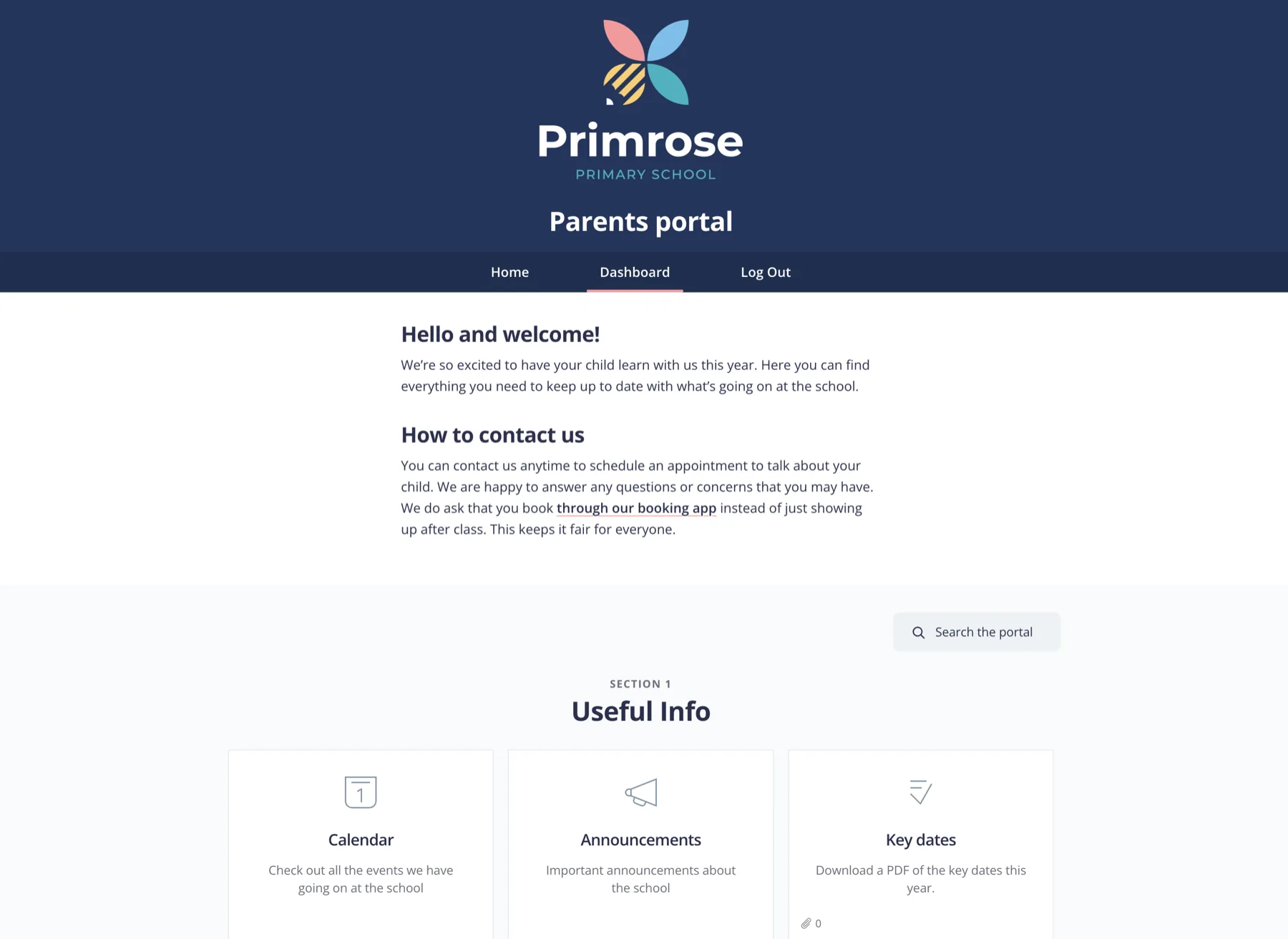
What’s inside
The essentials parents look for all year.
Announcements
School news and urgent notices.
Calendar
Term dates, INSET days and events.
Forms & waivers
Link the permission slips and trip paperwork.
Handbooks
Policies and useful links.
Key contacts
Who to reach and how.
When to use it
Use this when parents need a single place for school information. Building sites for schools? See the schools industry page for the wider story.
Most of the work is already done
Every template is a one-click import, so there’s nothing to download or build from scratch. It comes with sample copy you can use as it is or rewrite in your own words, plus tips throughout to help with any gaps in your process. All that’s left is making it yours.
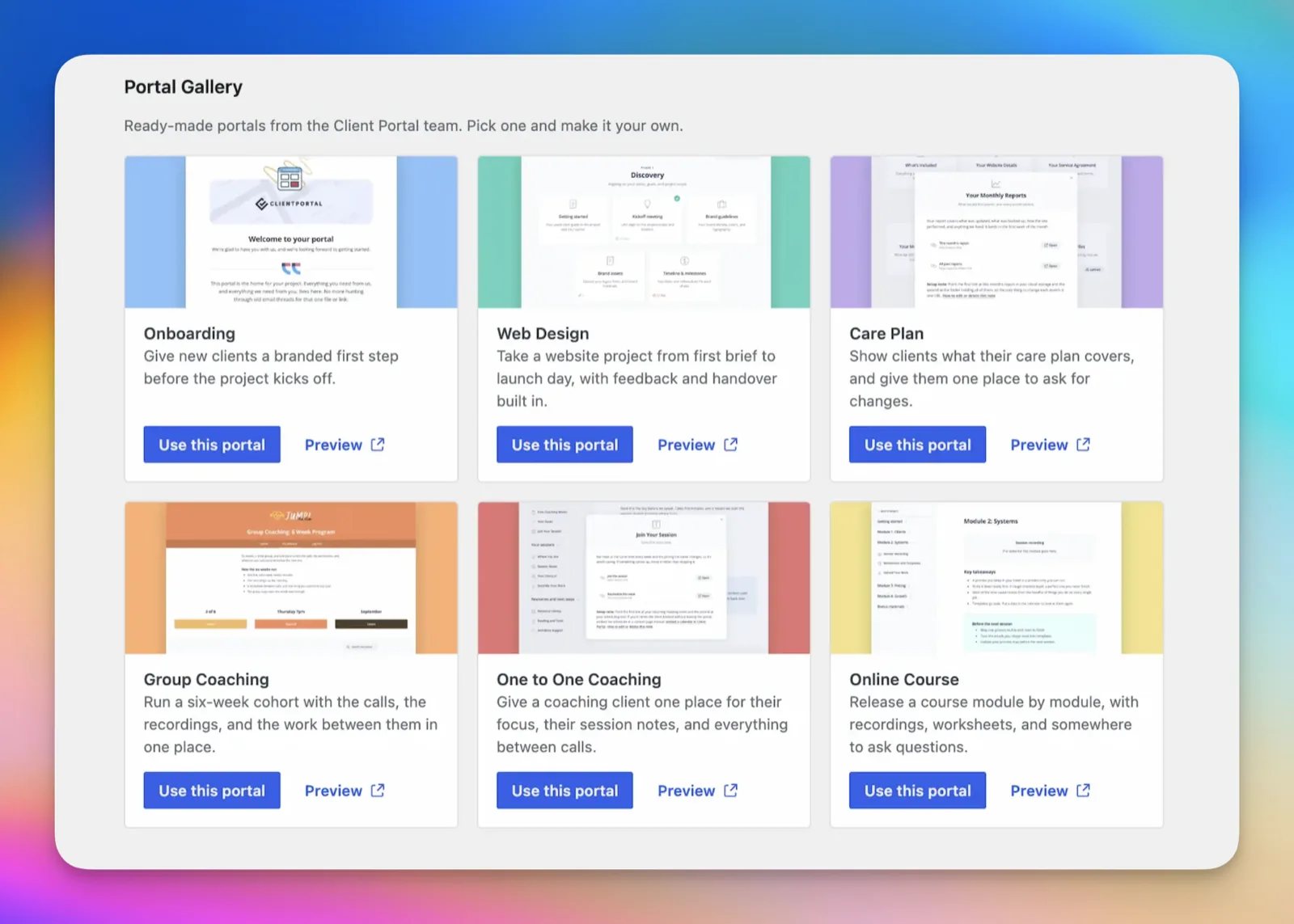
Import it
In WordPress, go to Client Portal > Add New and open the Portal Gallery. Click “Use This Template”, and the portal is added to your site, ready to edit.
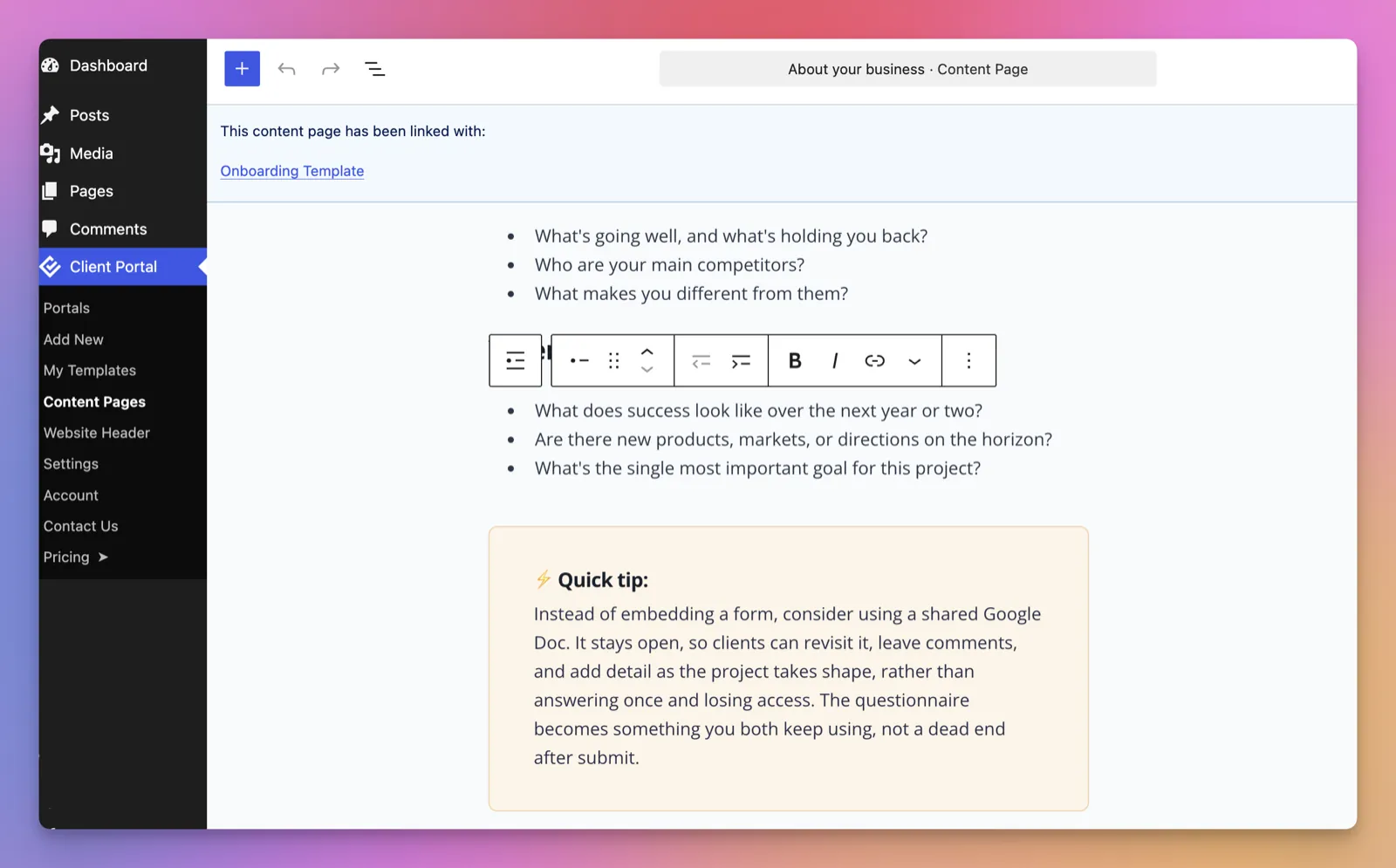
Make it yours
Work through each section, adding your branding, your files and anything specific to how you work. The sample copy is designed to be used out of the box, so change as much or as little as you like. We’ve added helpful tips and tricks throughout.
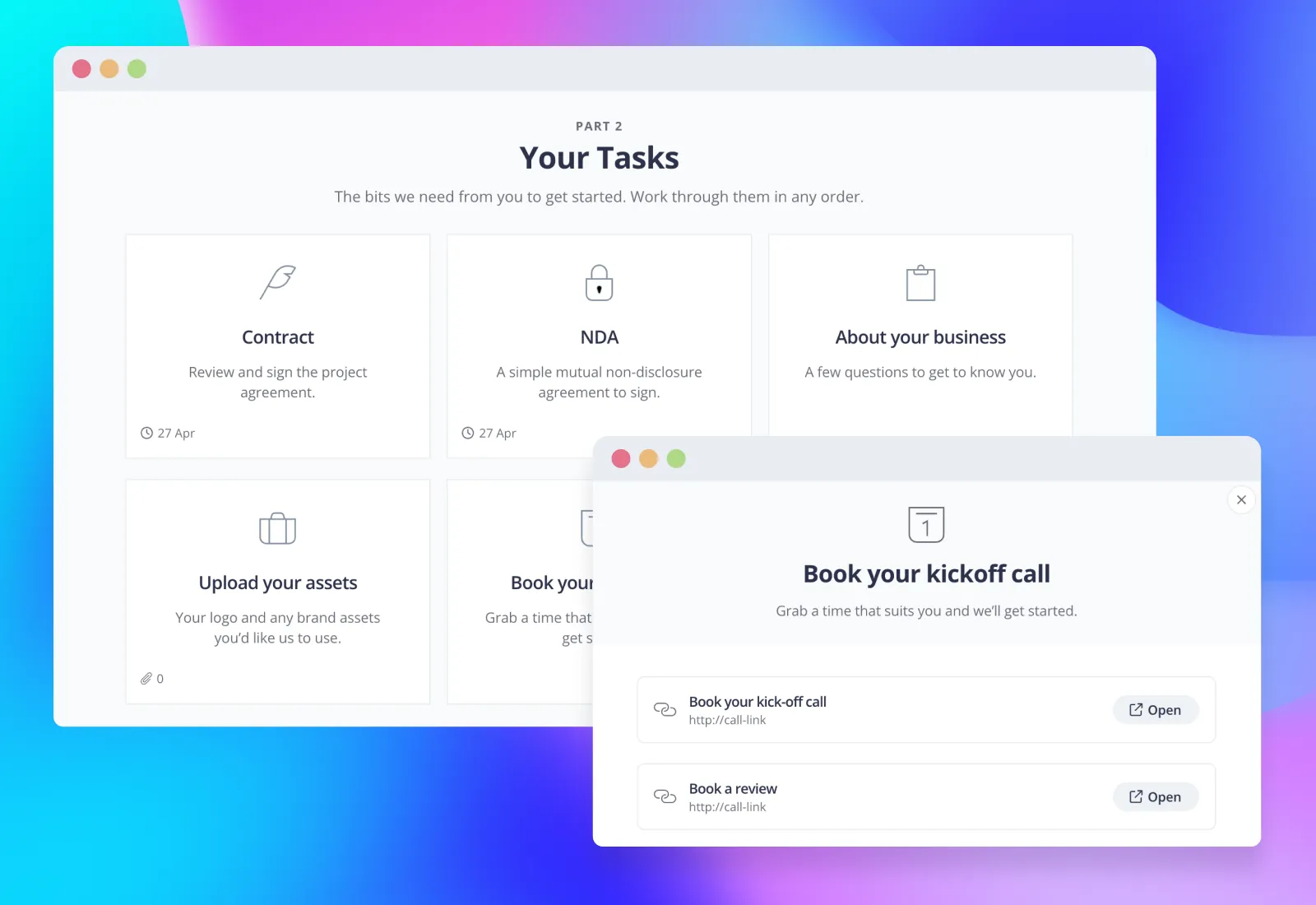
Share it with your client
Add your client and send them the link. If you’re not sure what to say, here’s a short email you can copy and adapt.
EmailHi [name], I’m looking forward to getting started on your project. I’ve set up a portal for you where everything will live from now on, so you won’t need to dig through emails to find things. You can see how the project is progressing, what’s coming up next and what’s already been done, and all your deliverables will be there as soon as they’re ready. Here’s the link: [link]. It’s worth bookmarking. Let me know if you have any questions. [your name]

“It takes the hassle out of constantly thinking “did I forget something?” when onboarding a new client, not to mention it saves time and mitigates frustration during the project.”
More use cases
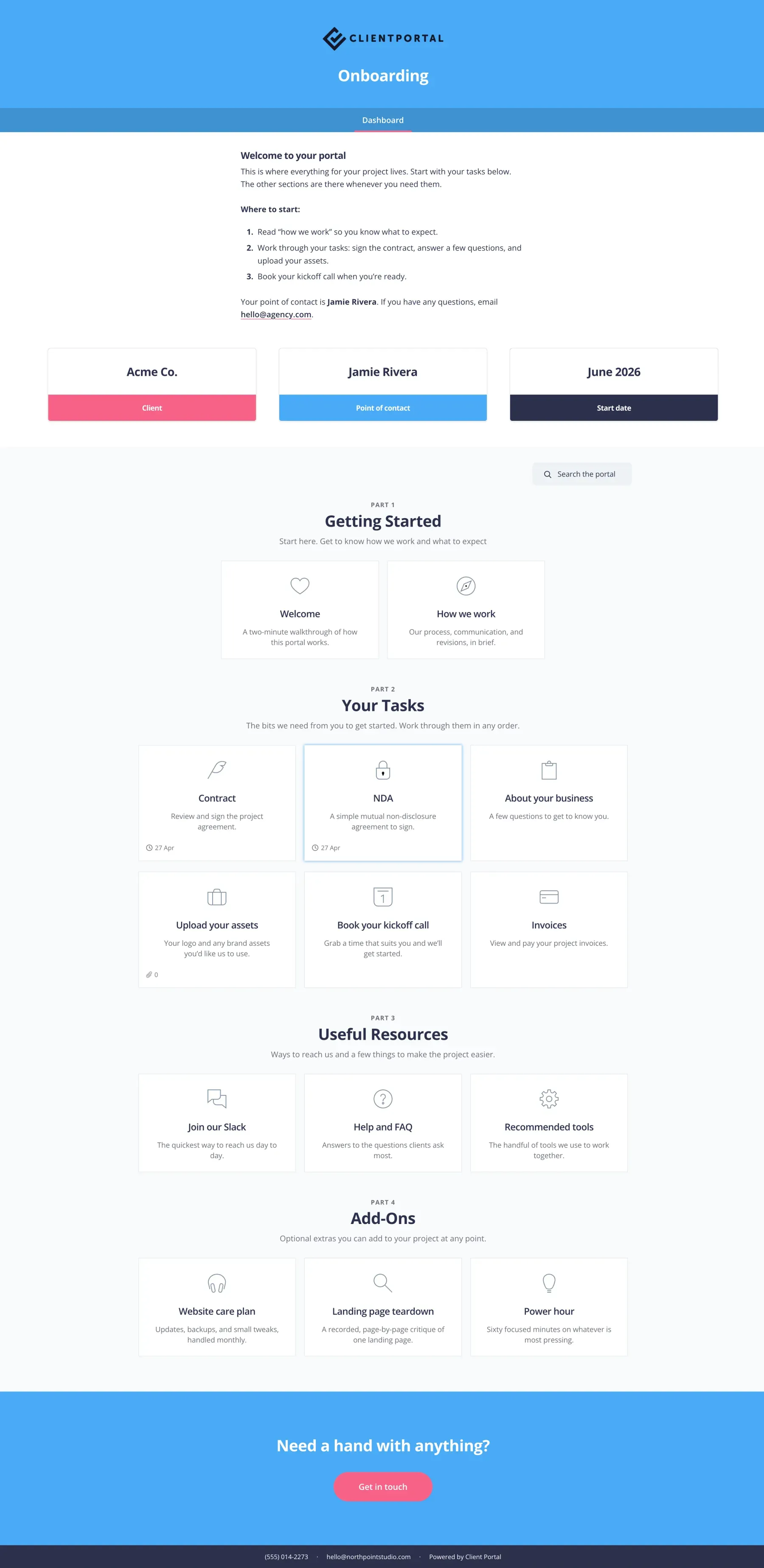
Onboarding
Give new clients a branded first step before the project kicks off.
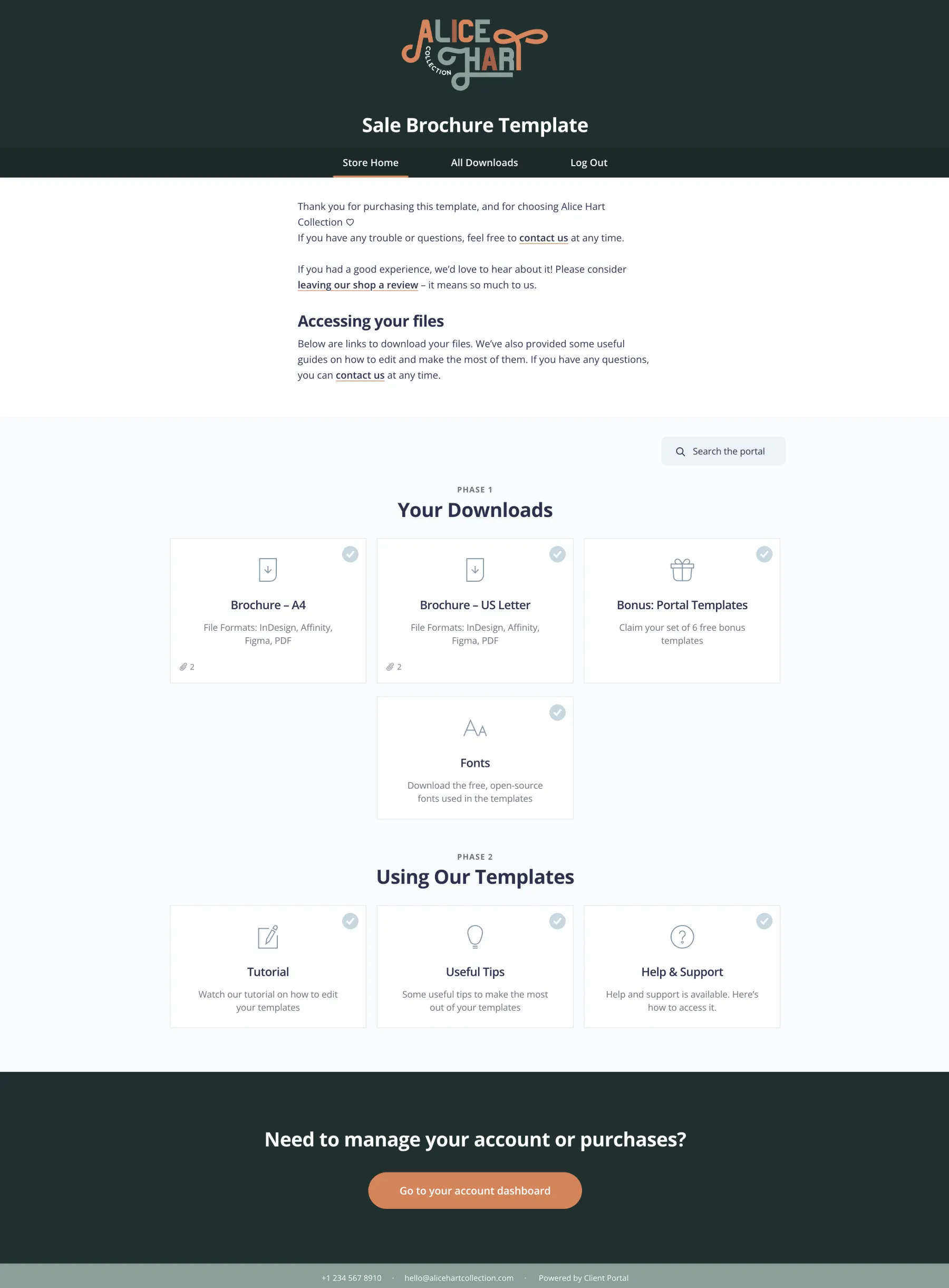
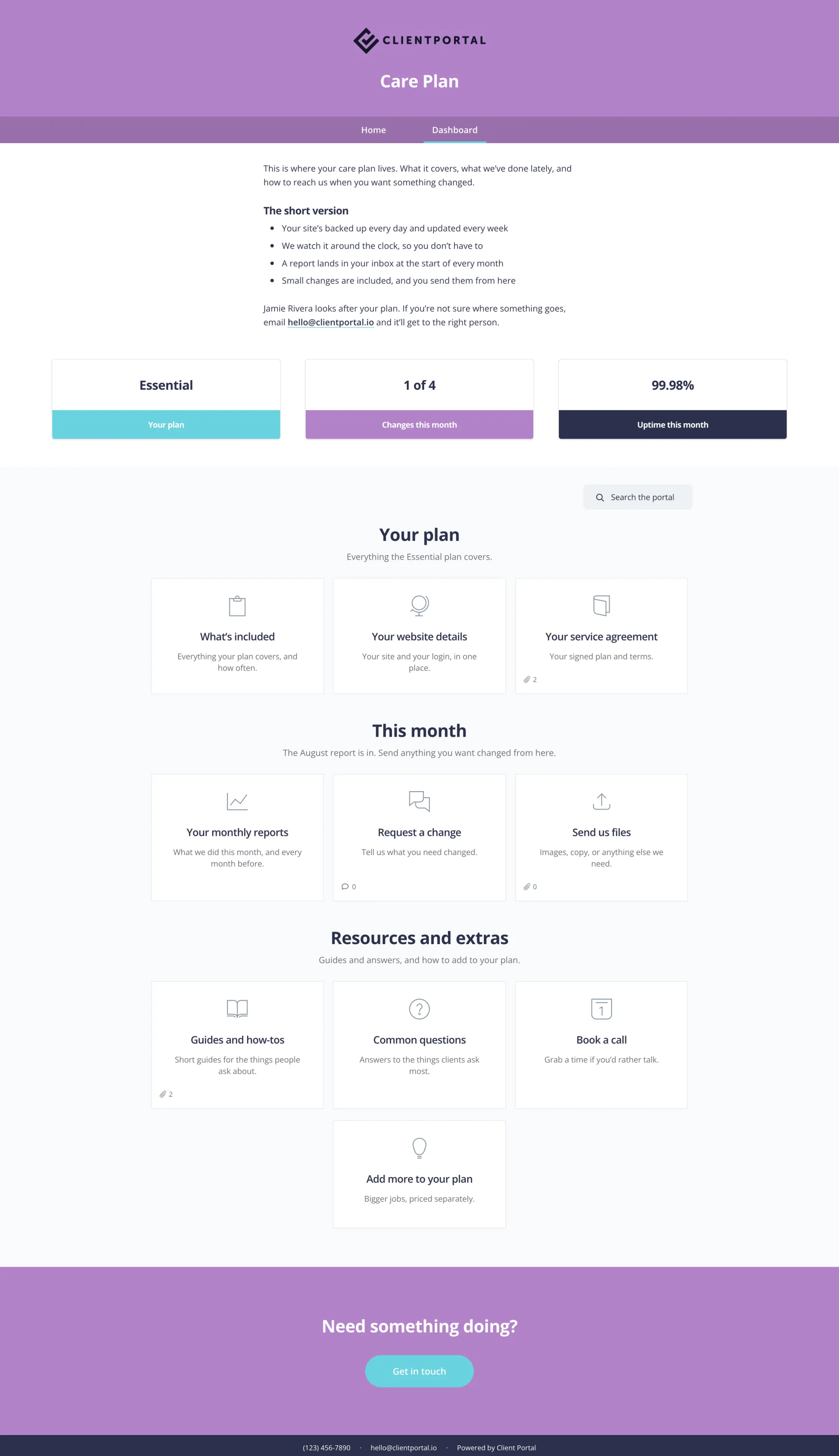
Care Plan
Ongoing site care, reports and requests in one branded portal.
Start with a portal that’s already built
This template is included with Client Portal, along with every other template we make. $199 a year, with a 30-day money-back guarantee.
Get Client PortalFrequently asked questions
“Will importing a template change my existing portals?”
No, it creates a new portal and leaves everything else alone.
“Can I edit everything?”
Yes. Once it’s imported it’s a normal portal, so you can rename, remove or add anything.
“Do templates cost extra?”
No, they’re all included with Client Portal.