Author: Laura Elizabeth

Laura created Client Portal in 2016 after working as a freelance designer for a decade. Client Portal was born out of the need for a simple tool that allows clients to access their project deliverables. Since then, it has grown into an 8,000+ customer-strong product that helps any service provider, from freelancers to law firms. In her spare time, Laura likes to sew clothes and quilts, play the piano, and hang out with her husband and children.
Product Updates

What's new in Client Portal version 4.9

Laura Elizabeth

Announcement: If you are currently on version 4.9.0 or 4.9.1 of Client Portal, we need you to manually update the plugin to continue getting updates. More info at the end of this post. We're so excited to have officially released the much anticipated Notifications feature! It's been a long road to get here but we...

Read more
Feature Spotlight

How secure is Client Portal (and WordPress)?

Laura Elizabeth

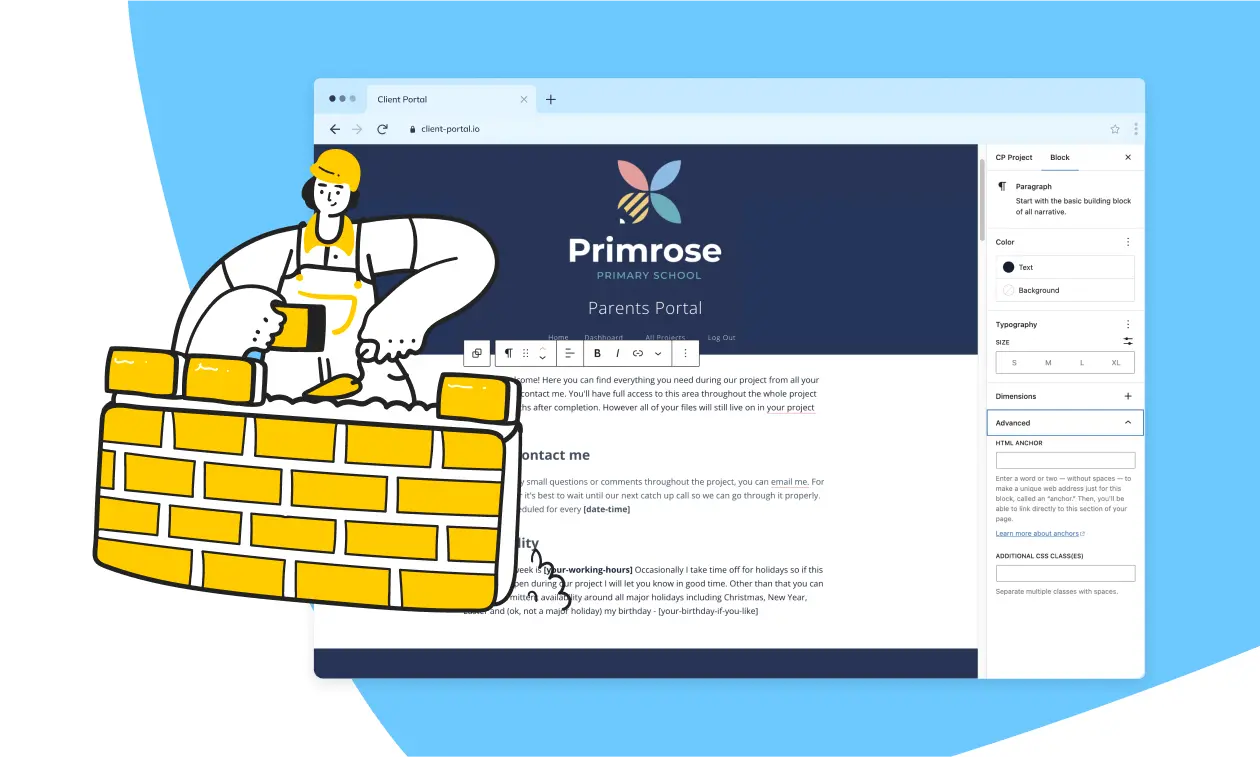
When you consider WordPress for your website, a few things probably go through your mind: The ease of managing content and features the site will have. How WordPress can help deliver that using the design they have in mind. Where the site will be hosted.  How security of the site will be implemented and managed....

Read more
Case Studies

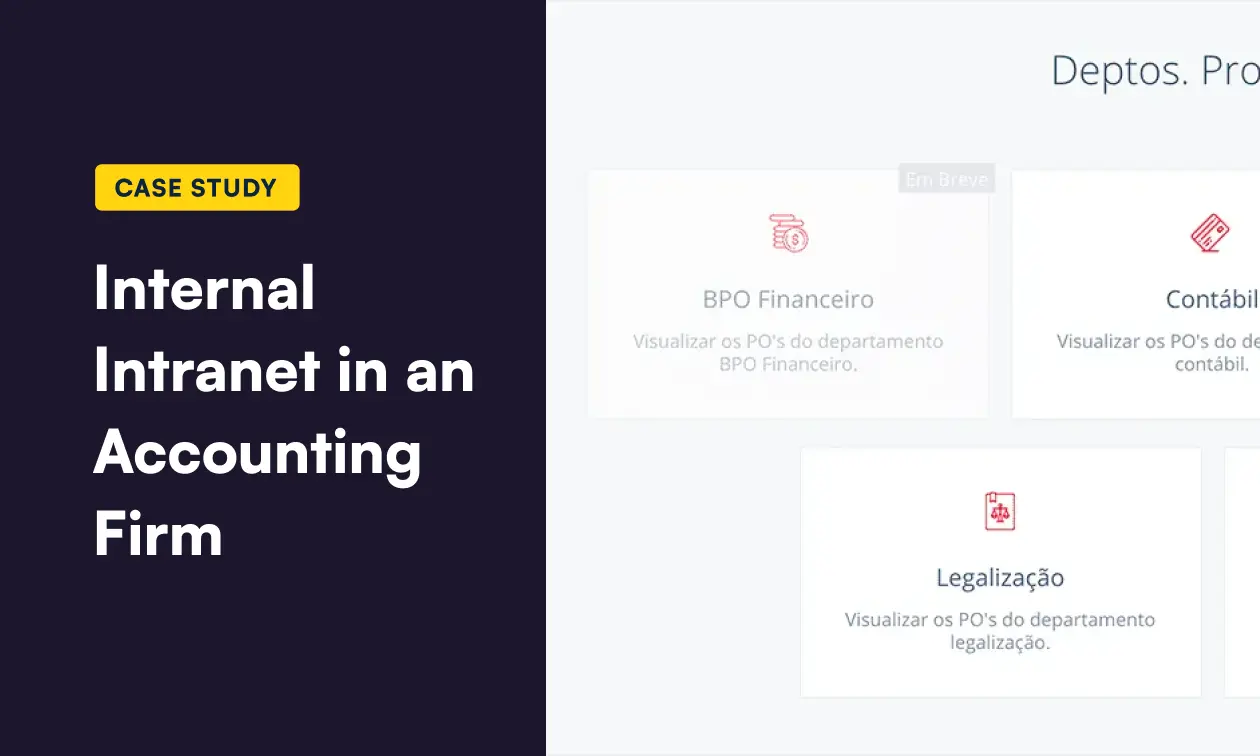
Case study: See how Christian has used Client Portal as an internal intranet in an Accounting firm

Laura Elizabeth

Christian van ‘t Hof is the marketing manager at accounting firm Contajul Contabilidade and the owner of Brightsol, a web design agency. Christian has been using Client Portal with Contajul since around September 2019. Since Contajul provides everything from accounting, consulting, audits and paralegal services to over 400 businesses, they have a lot of assets...

Read more
Product Updates

What's new in Client Portal version 4.8

Laura Elizabeth

We've just released a new version of Client Portal with a big new feature: Client uploads! We know that many of you have been waiting for this so we are absolutely thrilled to have it ready. Now you can choose "Client Uploads" in the "Module Type" dropdown... ...and your clients will see an "Add files" link on that module. This is where they can upload their files which you will be able to download either from the backend or frontend of Client Portal.

Read more