Table of contents
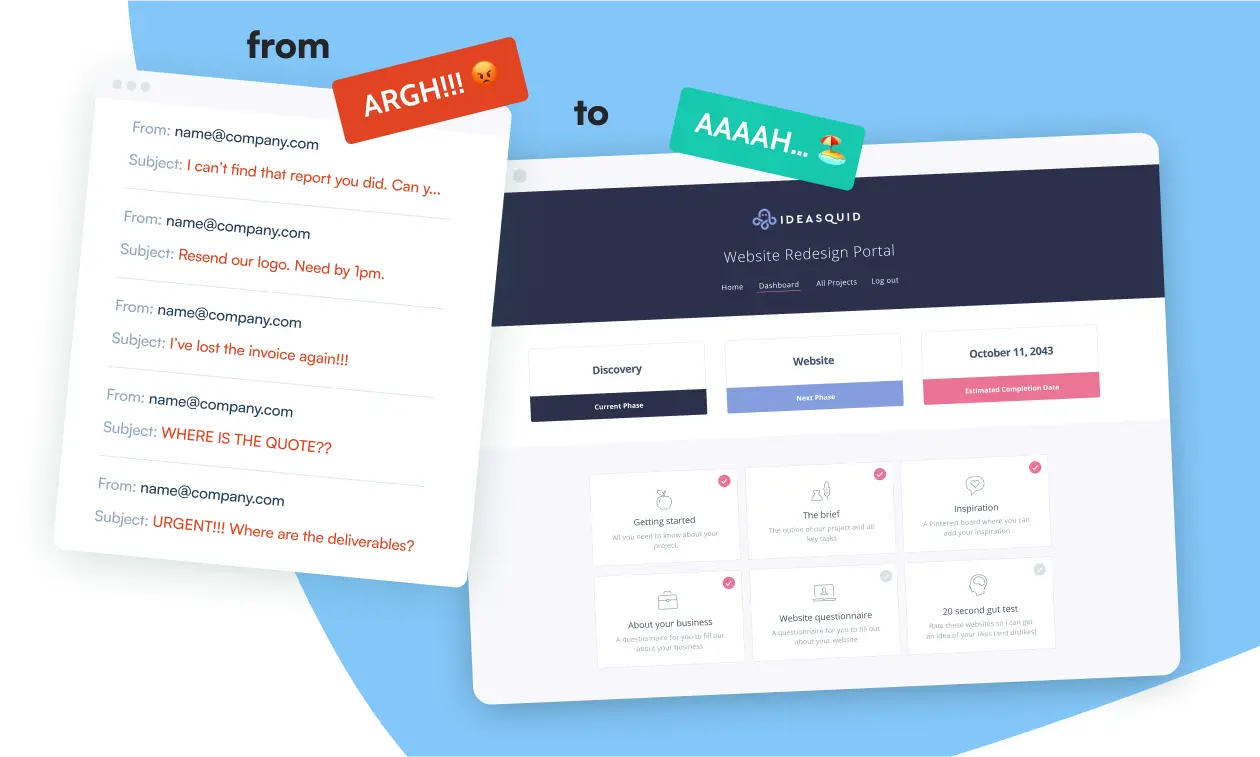
Running a freelance business usually means a patchwork of email threads, Google Drive links and the occasional "did you get my invoice?" message. It works, mostly. But once you're juggling more than a handful of clients, you spend a surprising amount of time just finding things and re-sending them.
A client portal fixes most of that by giving each client one place to log in and find everything: files, project status, feedback, the lot. (If you want the full primer first, we've got one on what a client portal actually is.) The question is which one, because the options range from simple plugins to platforms that want to run your entire business.
Full disclosure before we start: we make one of the tools on this list. We'll try to be fair to the others, but you can probably guess which one we'd pick.
Why bother with a portal at all?
Email and Drive links are fine with two or three clients. With five or ten active projects, the cracks show. Clients can't find the latest version of anything, you can't remember which thread the approval was in, and everyone's slightly more annoyed than they need to be. (There are also good reasons not to lean on email for files in the first place, which we've written about separately.)
A portal gives you three things:
- One place for everything. Files, updates and feedback live together, with a timestamped record of who approved what. Useful for staying organized; occasionally useful for settling disputes.
- A more professional first impression. A branded portal on your own domain looks rather different from a WeTransfer link. If you charge decent rates, the experience around your work is part of what clients are paying for.
- Fewer repetitive emails. "Where's that file?" and "what's the status?" mostly answer themselves.
It's one of those small irritations that builds up over time, and a portal is the bit that removes it.
The contenders at a glance
| Tool | Best for | How it's priced |
|---|---|---|
| Client Portal | Freelancers with a WordPress site | $199 a year for one site |
| HoneyBook | Replacing your whole admin stack | Monthly subscription |
| Bonsai | Freelancers who dread tax season | Monthly subscription |
| Trello / Monday.com | Agencies collaborating on client work | Per-seat subscription |
| Assembly / ManyRequests | Productized services and retainers | Monthly subscription, scales with usage |
| Notion / Google Sites | Testing the waters for free | Free (with caveats) |
Client Portal: best if your website runs on WordPress
Yes, this is ours. But there's a reason it exists, and it's the same reason you might pick it.
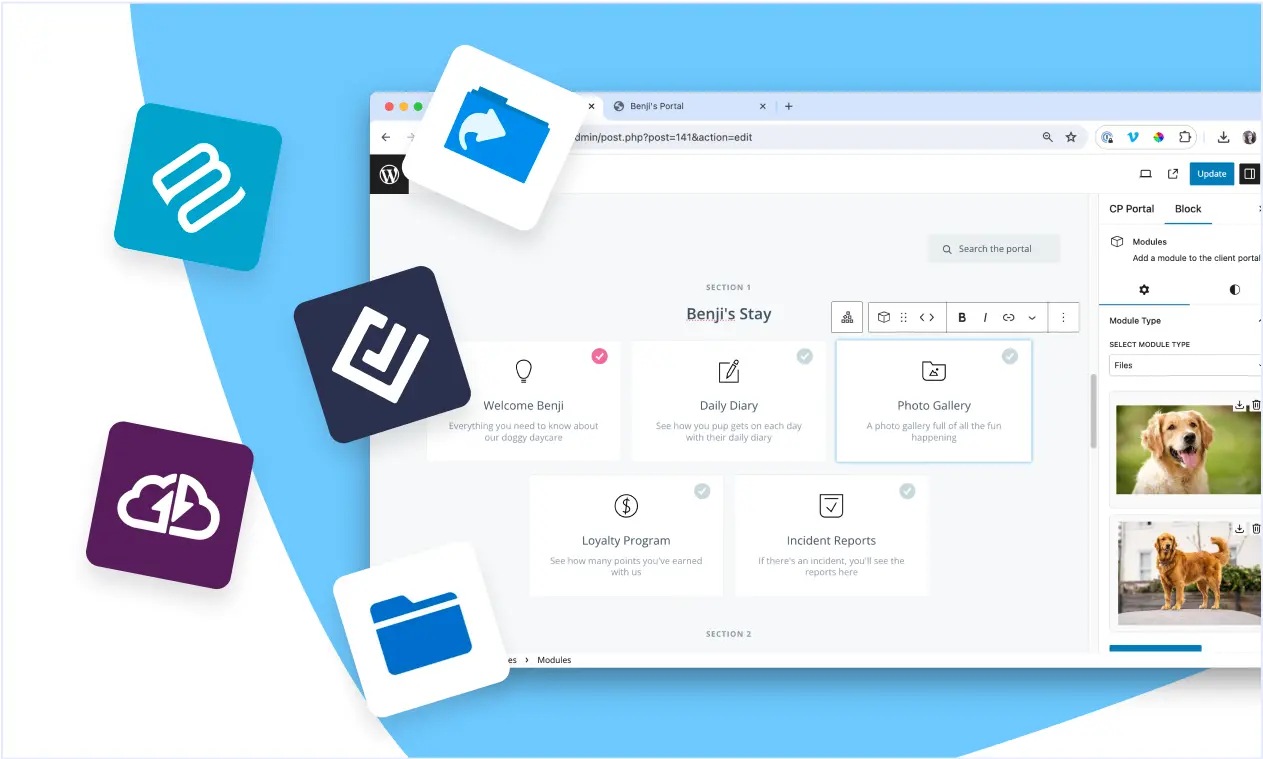
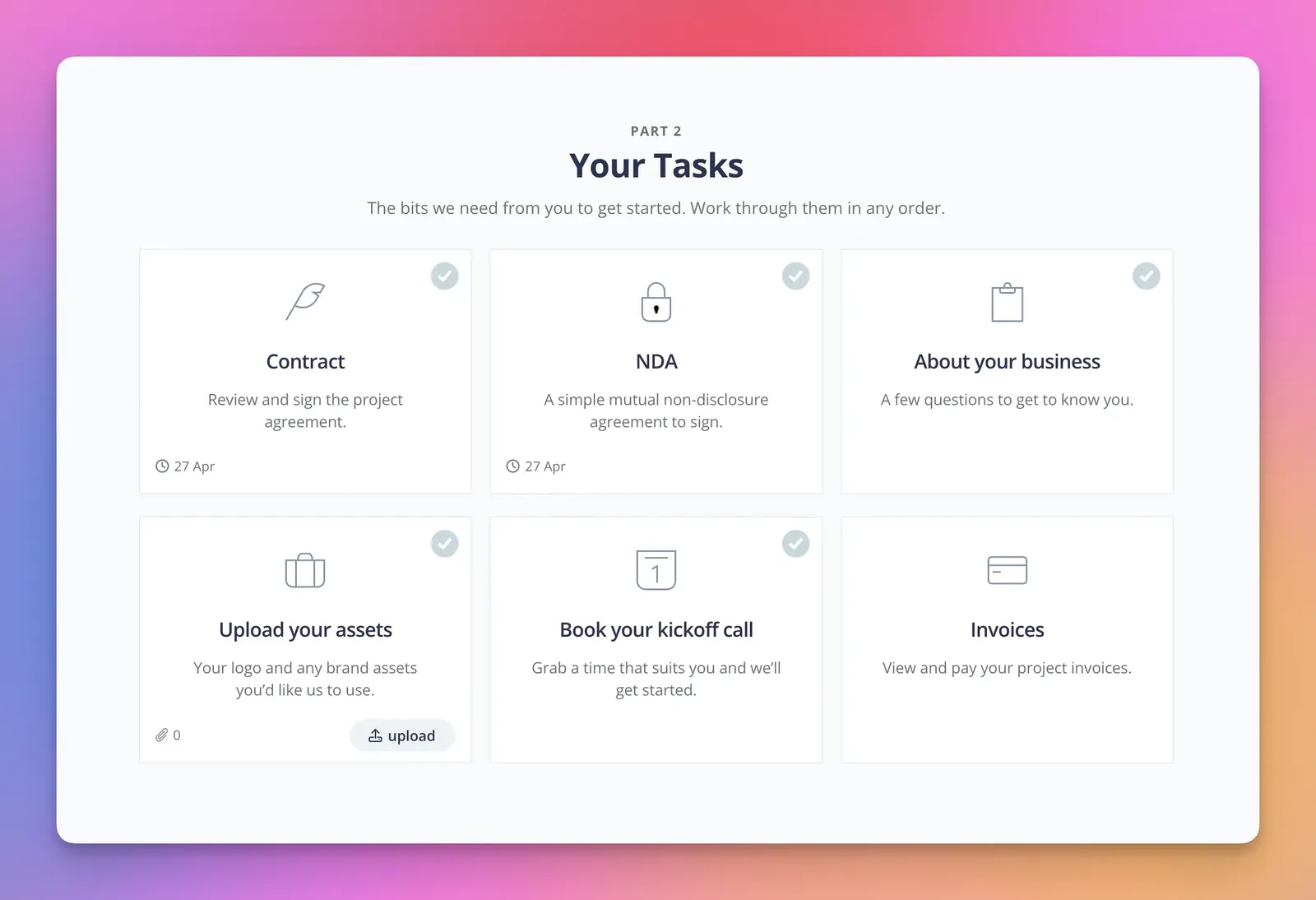
Most portal platforms are separate products with their own logins, their own subdomains and their own monthly fees that scale as you add clients. Client Portal takes a different approach: it's a WordPress plugin, so your portals live on your website, under your domain and your branding. To clients, it doesn't look like third-party software. It looks like part of your business.
A few things worth knowing:
- Unlimited portals and clients on every license. You're not penalized for growing.
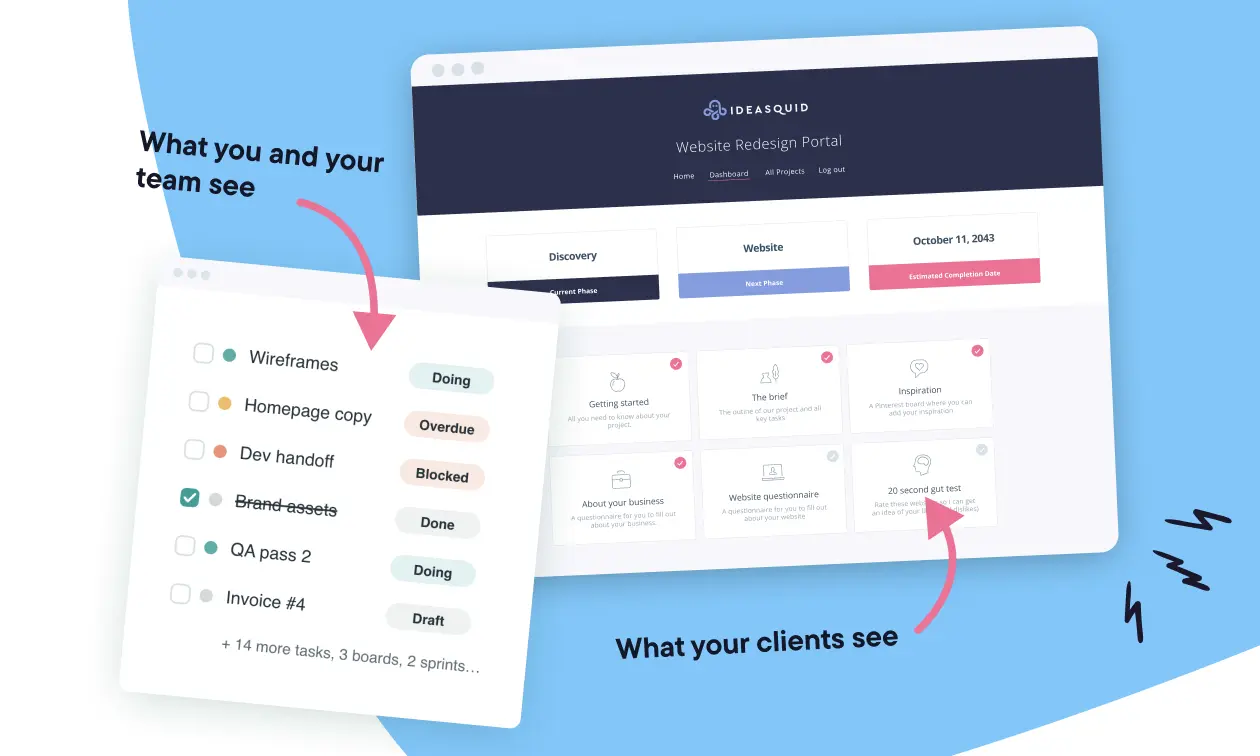
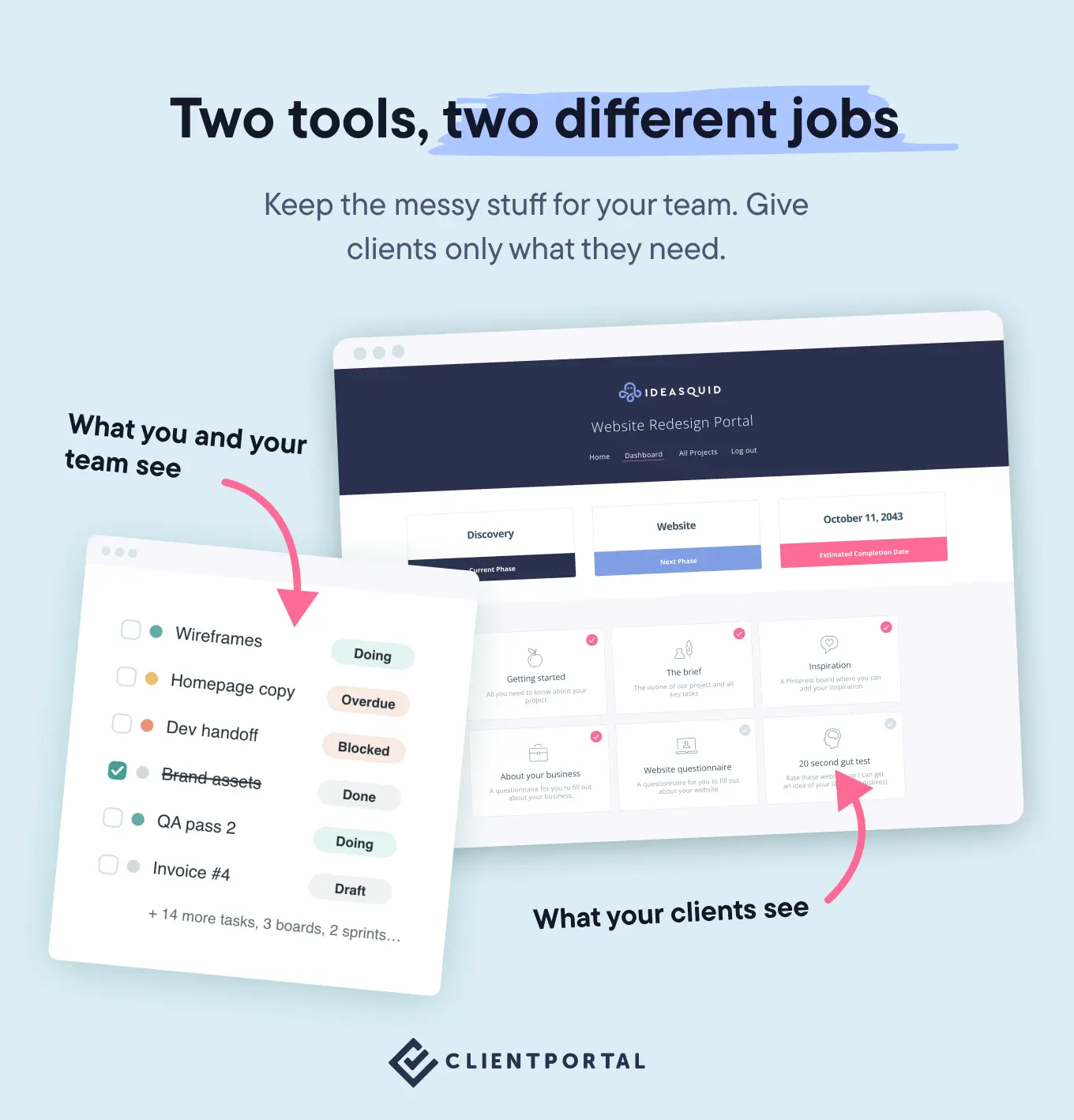
- It works alongside your project management tool, not instead of it. Keep Trello, Asana or whatever makes you happy for the internal chaos. The portal is the tidy, client-facing layer on top. (We've written more about that here.)
- No coding required. If you can use WordPress, you can set up a portal. Modules, colors and branding are all configurable from the admin.
- Files are stored securely, away from the WordPress media library, so client deliverables aren't sitting somewhere guessable.
What it deliberately doesn't do: invoicing, time tracking, contracts or built-in chat. That's intentional. Most freelancers already have tools they like for those jobs, and bundled versions tend to be the weakest part of all-in-one platforms anyway.
"I finally feel like a proper agency now I have Client Portal. It's something I've always wanted but I've never been able to find anything close to it."
— Anthony Wallace
And the honest bit: if your website doesn't run on WordPress and you've no plans to change that, Client Portal isn't for you. One of the options below will be a better fit.
HoneyBook and Bonsai: if you want one tool for everything
HoneyBook and Bonsai both aim to run your entire freelance business: proposals, contracts, invoices, scheduling and a client portal, all in one subscription.
HoneyBook leans toward the client experience side. Its automations are genuinely good: a signed contract can trigger a welcome packet, an invoice, the works. Bonsai's strength is the financial end, with expense tracking, tax estimates and accounting reports built in. If tax season fills you with dread, that's a real selling point.
If you genuinely want one login for your whole business and you're happy to run everything the platform's way, these are strong choices. The trade-off is the usual all-in-one one: each individual piece is rarely as good as a dedicated tool, and your contracts, invoices and client history all end up living in the same place. Worth it for plenty of people, as long as you go in with your eyes open.
Trello and Monday.com: great for teams working on client projects
Neither is a client portal, strictly speaking, but both are excellent project management tools, and they really come into their own for agencies and teams. If several people are collaborating on the same client work, a shared board with tasks, owners, timelines and comments keeps everyone moving in the same direction. That's exactly what these tools are built for, and they do it well.
The snag is on the client side. Inviting clients into Trello or Monday means asking them to learn a new tool, and the learning curve is steeper than it looks from the inside. Clients have their own jobs to do, and a board full of tasks and statuses they didn't set up can overwhelm rather than help. More often than not, they take one look, retreat to email, and you're back where you started.
So a common setup is to keep the project management tool internal, for you and your team, and give clients something simpler for the bit they actually need: their files, their deliverables, and where the project's up to. That's a job a portal like Client Portal does well, and it's a question that comes up so often we've covered it in its own right (here, and a follow-up for solo founders).
Assembly (formerly Copilot) and ManyRequests: for productized services
If you sell fixed-scope packages (design subscriptions, content retainers, that sort of thing), Assembly and ManyRequests are built around that model. Clients submit requests, track progress and download deliverables through a white-labeled portal that can sit on a custom domain.
They're proper standalone platforms with pricing to match, and they assume a particular way of working. If productized services are your whole business, that focus is a real strength. That said, plenty of people run productized services perfectly well through Client Portal on their own site, so it's worth weighing all three rather than assuming you need a dedicated platform.
Notion and Google Sites: the free options
You can absolutely rig up a basic portal in Notion with shared pages and comment threads, or with Google Sites and a Drive folder. If you've got three clients and no budget, start there. It's a sensible way to test whether the portal habit sticks before you pay for anything.
The limitations arrive quickly though. No proper branding, clunky permissions, and clients get a "made in Notion" experience rather than a "this freelancer has their act together" one.
The good news is that starting free doesn't mean starting over later. When you're ready to move up to Client Portal, you're moving content you've already organized (files, sections, the structure of each project) into a tidier home. You're not rebuilding from scratch, just giving the same material a more professional front end.
A note on free trials
Most paid platforms offer a trial or a money-back guarantee. Trialing one properly with a real client teaches you more than a month of comparison articles, this one included.
One thing to think about: how easy is it to leave?
This applies to every tool on the list, so it's worth a moment on its own.
When a single platform runs your invoicing, contracts, files, scheduling and client communication, leaving it is a real undertaking. Everything's woven together, which is partly why all-in-one prices tend to creep up over time: the platform knows you're unlikely to move.
A standalone portal sits at the other end of that spectrum. Because it only does the client-facing layer, it slots in alongside whatever else you use and comes out just as cleanly. If your project management tool puts its prices up, you can swap it without touching your portals. If you want to scale your stack back to basics, nothing breaks. It's lower commitment, and lower risk, which is a fair thing to weigh up before you tie your whole business to one login.
What really matters when choosing
It's tempting to compare feature lists, but most portal regret comes down to two questions:
Do you want a portal, or a business platform? All-in-one suites bundle contracts, invoicing and scheduling. That's brilliant if you want to replace five tools with one, and less brilliant if you already have tools you like, because now you're migrating everything or paying twice. A standalone portal slots into your existing setup instead.
Whose brand does the client see? On some platforms, clients log into their product with your logo in the corner. With a portal on your own website, the whole thing is yours. For freelancers charging premium rates, that difference does more work than any individual feature.
Beyond that: check files are stored securely, check you're not charged per client (that gets expensive exactly when things are going well), and check it's simple enough that you'll actually keep it updated. A half-configured platform is worse than no platform.
Getting clients to use it
Picking the tool is half the job. If clients keep emailing you attachments anyway, you've added complexity rather than removed it.
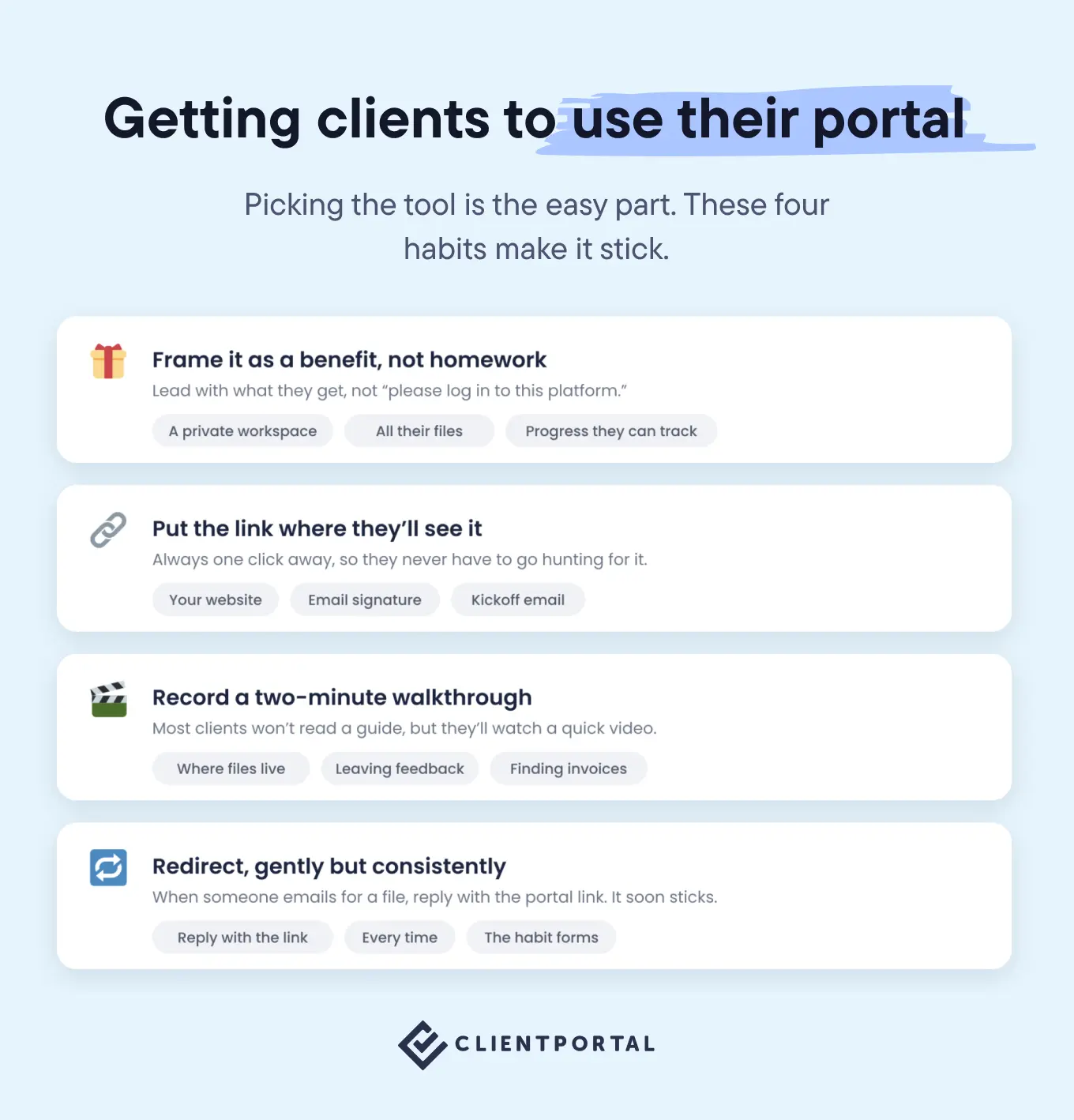
A few things that help:
- Introduce it as a benefit, not homework. "I've set up a private workspace where you can find all your files and track progress" lands better than "please log into this platform".
- Put the link where they'll see it. Add a link to the portal on your website and in your email signature, so it's always one click away rather than something they have to go hunting for.
- Record a two-minute walkthrough video. Show them where files live, how to leave feedback, where to find what they need. Most clients won't read a guide, but they'll watch a short video.
- Redirect consistently. When someone emails asking for a file, reply with the portal link. After two or three rounds, the habit forms. Clients default to whatever's easiest unless you gently make the portal easiest.
So which one should you pick?
It depends on how you work, which is an annoying answer, so here's a more useful one:
- Your website runs on WordPress: Client Portal. Your portals live on your own site, under your own brand, with unlimited clients, and you're not locked into one platform for everything. We're biased, but over 8,000 people seem to agree with us.
- You want to replace your entire admin stack: HoneyBook or Bonsai (Bonsai if the financial side is your main headache).
- You're an agency or team collaborating on projects: Trello or Monday internally, ideally with a portal on top for the client-facing side.
- You sell productized packages: Assembly, ManyRequests, or Client Portal, depending on whether you want a dedicated request-management platform or a portal on your own site.
- You're not ready to spend anything: Notion or Google Sites, knowing you can move everything into Client Portal later without rebuilding it.
Whichever you choose, the freelancers who get real value from a portal are the ones who route everything through it. Pick the one that fits how you already work, because that's the one you'll actually use.
Give your clients a proper home for their projects
Client Portal runs on your WordPress site, with unlimited portals and clients on every license. Have a look at the live demo or browse real portals people have built.