Client Portal
Feature Spotlight

How to use Client Portal for your online course

Laura Elizabeth
Last update:
How to use Client Portal for your online course
Table of contents
  1. Watch our video on using Client Portal for your online course (or resource center)
  2. Have a play around with the example portal shown in the video:

Our Client Portal customers are often amazed at how many different use cases there are for it. Once you get what Client Portal does, you start to see infinite possibilities for its uses.

"I am so glad I found Client Portal. It is very flexible and will help me grow from being a freelancer to an agency – and even selling online courses in the future without spending a lot of money on other platforms. Thanks for developing this! ❤️ "

—Natalia from Green Studio

One of those possibilities is online courseware. Now, Client Portal wasn't designed to be a courseware alternative. It doesn't have learner management features and a few other things you'd expect in an online course platform.

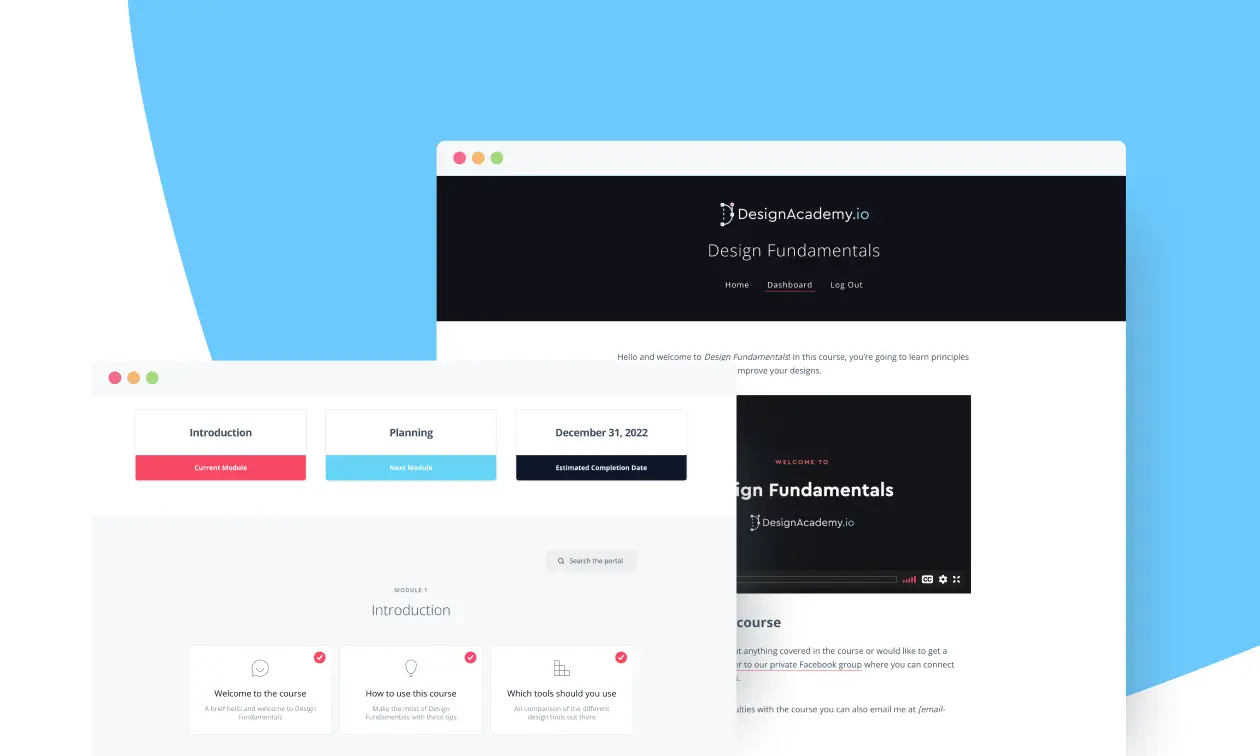
But Client Portal is surprisingly effective as courseware and in this new video and example portal we're going to show you how you can use it to create and sell online courses.

Watch our video on using Client Portal for your online course (or resource center)

👉 Watch on YouTube​

In this video, we cover:

✅ How you can use Client Portal for an online course – and what you can't do with it

✅ A full walkthrough of an example course and resource center to give you some inspiration

✅ How to connect your online course to WooCommerce – and a couple of other options if you don't use WooCommerce

Have a play around with the example portal shown in the video:

​👉 Log into the example online course portal here​​

Username: Student
​Password: onlinecourse123

Hopefully that gives you some ideas on how you can use Client Portal in alternative ways. The possibilities are truly endless.
Laura Elizabeth

Laura Elizabeth

Read full bio

Laura created Client Portal in 2016 after working as a freelance designer for a decade. Client Portal was born out of the need for a simple tool that allows clients to access their project deliverables. Since then, it has grown into an 8,000+ customer-strong product that helps any service provider, from freelancers to law firms. In her spare time, Laura likes to sew clothes and quilts, play the piano, and hang out with her husband and children.

Related articles

  • How to collect and manage client feedback in Client Portal

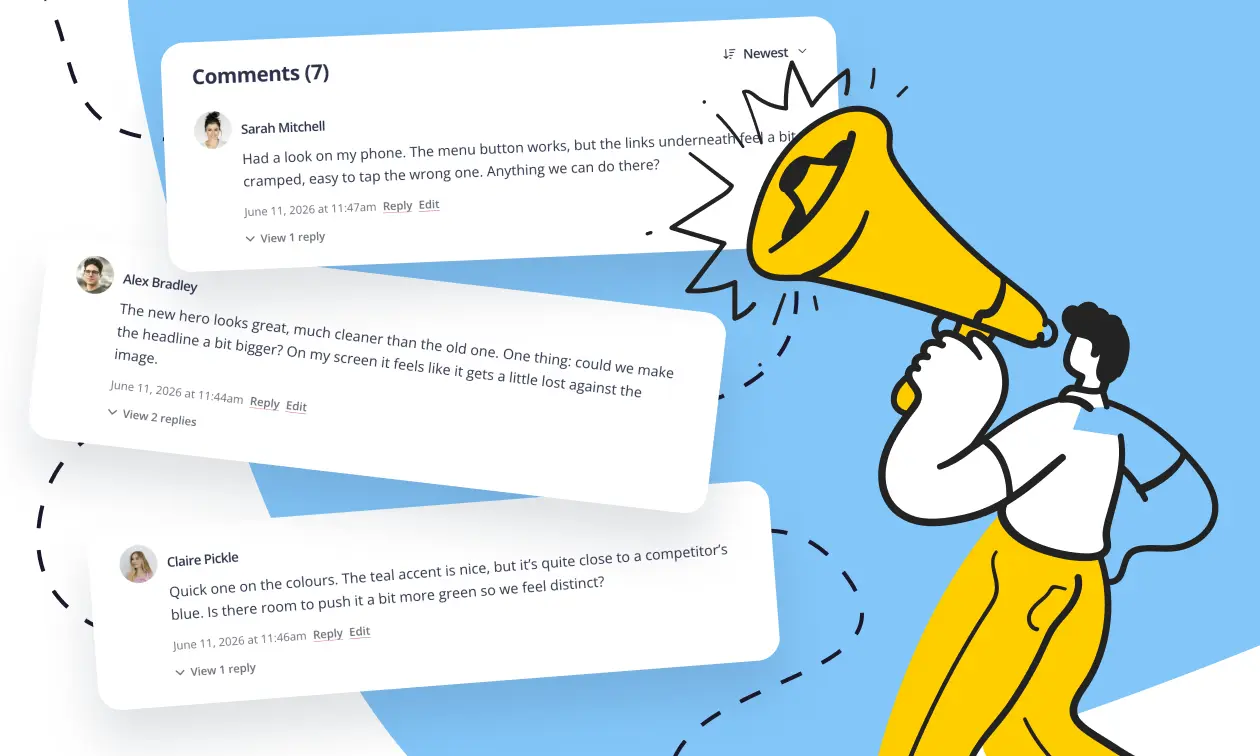
    A question we get fairly often: can you collect and manage client feedback inside Client Portal? Yes, in a few ways, depending on what you need. They all use the comments feature on content pages, so that's where we'll start. Collecting feedback with comments on content pages Everything here relies on one feature: comments on...

    Read more
  • How secure is Client Portal (and WordPress)?

    When you consider WordPress for your website, a few things probably go through your mind: The ease of managing content and features the site will have. How WordPress can help deliver that using the design they have in mind. Where the site will be hosted. How security of the site will be implemented and managed....

    Read more