
The perfect client portal for your school
Give parents an easy way to access key information about your school from your WordPress website — announcements, calendars, forms and files in one branded place.


yourschool.com/portal/parents
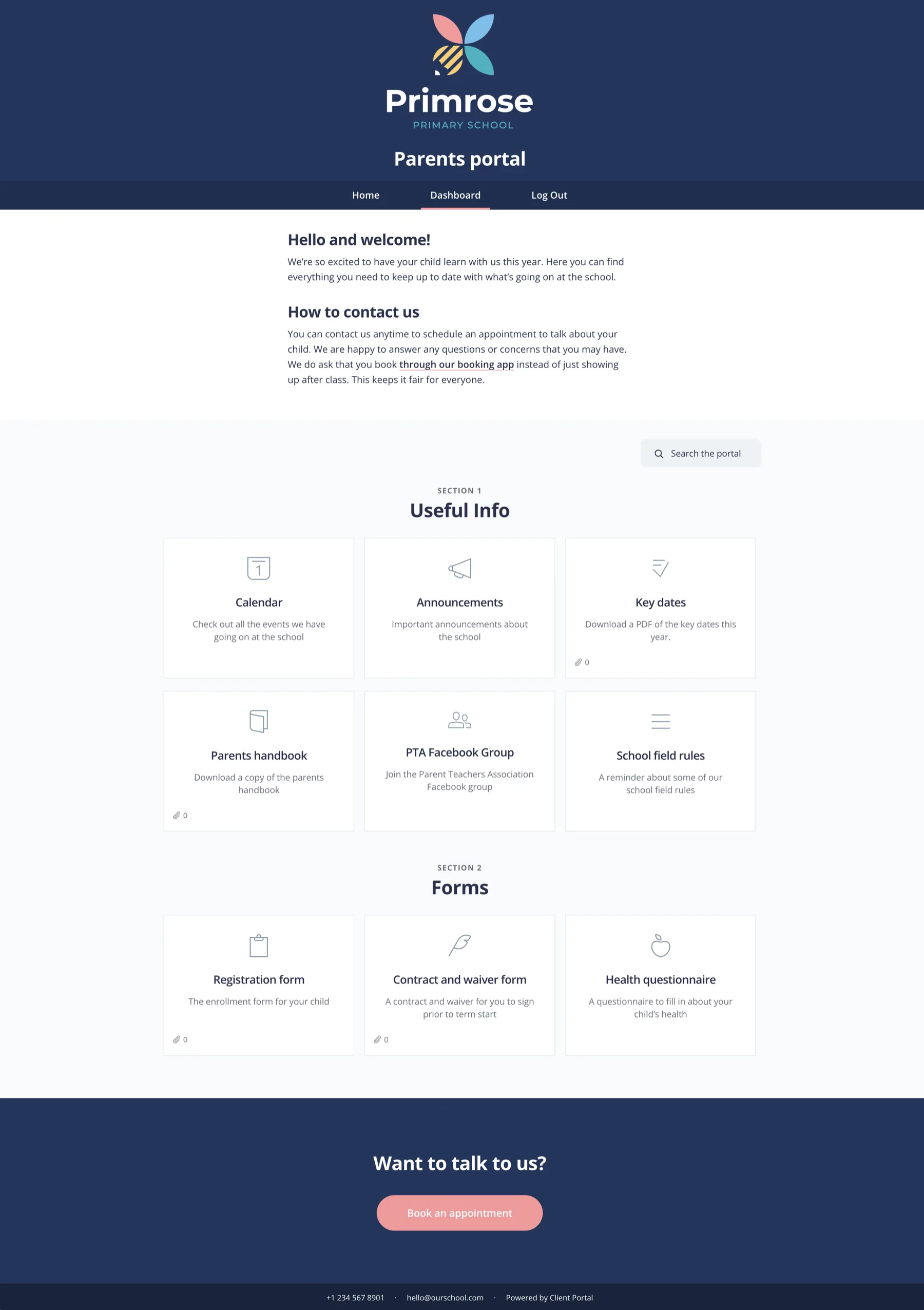
Scroll to see the full portal.
What’s in a school parent portal
Schools usually put the same kinds of things in every parent portal. Here’s a simple structure that keeps parents informed without another flood of emails.
Welcome
- Welcome message
- How to use the portal
- Key contacts
Announcements
- School news
- Term updates
- Urgent notices
Calendar
- Term dates
- INSET days
- Events and fairs
Forms & waivers
- Permission slips
- Medical forms
- Trip paperwork
Resources
- Handbooks
- Policies
- Useful links
Parents need a place to find things — without emailing you
As a school, you’re under a lot of pressure to educate the next generation and give parents a worry-free experience.
With all the forms, waivers, announcements and information parents need, it can be difficult for them (and you) to keep it organised in one place.
Client Portal gives each parent a simple dashboard on your own WordPress site. They’ll have access to everything they need, so they won’t keep emailing or calling for the same information.
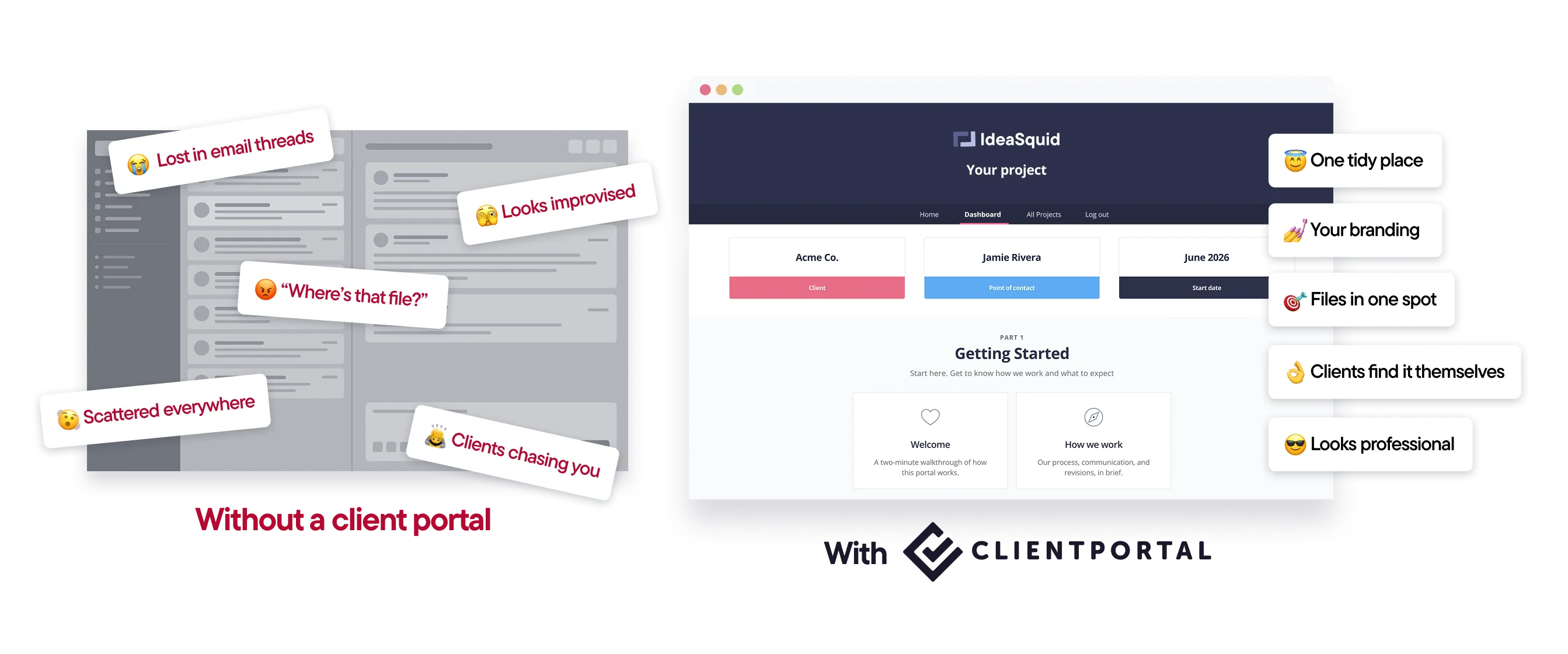
One place for parents, on your school’s website
Client Portal is a WordPress plugin. It runs on your own site, so parents see yourschool.com — not someone else’s logo.
Embed Google Calendars, link to forms and waivers, and keep announcements where parents can find them 24/7.
One licence covers unlimited parent portals on a single WordPress site.
How it works
Start from a portal structure.Use the phases above, or adapt what you already send parents by email.
Add calendars, forms and files.Embed what you already use — nothing has to move.
Invite parents.Send one link at the start of the year. Same place all term.
Update when things change.Parents get notifications when you add something new.

“I finally feel like a proper agency now I have Client Portal. It’s something I’ve always wanted but I’ve never been able to find anything close to it.”
Features schools use most
Your branding, on your domain
Portals carry your school’s logo and colours and live on your own WordPress site.
Calendars parents already understand
Embed Google Calendars for holidays, training days and events.
Forms and waivers in one place
Link to PDFs or embed form plugins so parents can fill things in online.
Files kept private
Portal files stay separate from the WordPress media library.
Email notifications
Let parents know when the portal has been updated.
Unlimited parents
Give access to as many parents as you like — no per-seat fees.
What people say about Client Portal

Your platform is dead simple, easy to customize, and beautiful on mobile. It allowed us to launch our new client dashboard 3 weeks ahead of schedule!
–Richard Walsh

Client Portal is great. The incremental improvements over the past few years has been excellent. It helps me keep all of the client's "stuff" in one place.
–Evan DeLaney @ Montessori Digital Group

I am loving Client Portal. I'm building an employee portal and I just got to the point where I can open it up to employees for a couple of required trainings! Whoop Whoop!!! And the few employees that have registered and gone through the trainings so far, well, they are beyond impressed with the site!
–Donna Figel
Start from a ready-made portal
Import a template from the gallery, swap in your school’s branding and links, and invite parents.
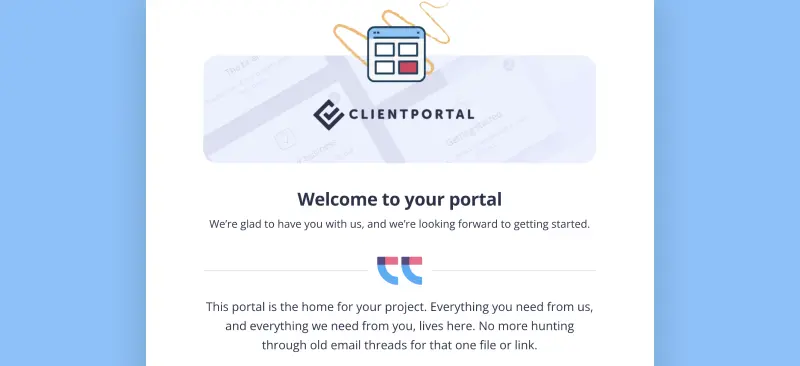
Client Onboarding
Use Client Portal to onboard every new client the same way
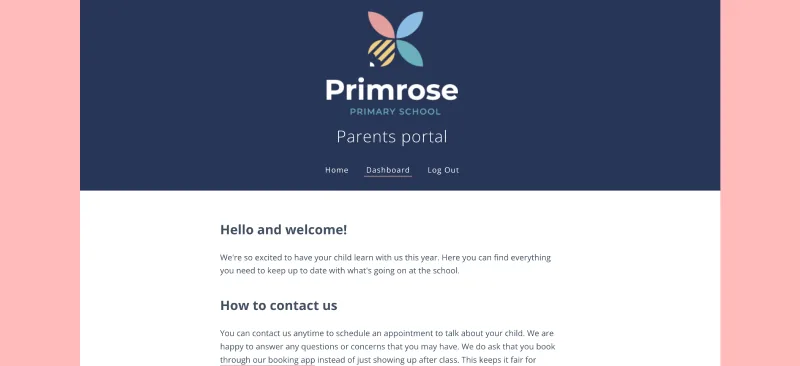
School and Parent
Give parents a place to find key information about your school for their enrolled children
Is Client Portal right for your school?
It’s a good fit if:
- Your site runs on WordPress
- You want parents to have one place for announcements, calendars and forms
- You’re tired of resending the same information by email
It’s probably not the right fit if:
- You need a full school MIS / parent app with payments and attendance. Client Portal is for organising the client-facing side of information, not replacing your MIS.
- You’re not on WordPress. Client Portal is a plugin, so it needs a WordPress site.
$199 a year · 30-day money-back guarantee
“Your platform is dead simple, easy to customize, and beautiful on mobile. It allowed us to launch our new client dashboard 3 weeks ahead of schedule!”
Frequently asked questions
“Is Client Portal a WordPress plugin or a SaaS app?”
It’s a WordPress plugin. It runs on your own WordPress site, so portals sit on your domain and files stay on your server.
“Can parents upload files?”
Yes. Parents can upload files to their portal, and you get a notification when they do.
“How much does Client Portal cost?”
$199 a year for one site. That includes unlimited portals and unlimited users, with a 30-day money-back guarantee. There’s no higher tier.
Give parents one place for school information
Client Portal is $199 a year for one site, with unlimited portals. There’s no higher tier. If it’s not right, you’ve got 30 days for a full refund.
Get Client Portal