A couple of weeks ago I posted a "coming soon" preview of a batch of updates we'd been working on. I was expecting another few weeks of testing before it was ready.
Turns out it was ready sooner than I thought.
Everything in that post is now live. If you haven't updated yet, head to your WordPress dashboard and grab it now.
Watch the walkthrough
Before the release, I recorded a short video walking through all the changes. If you'd like to see everything in action rather than read a feature list, this is probably the easiest way to get up to speed:
What's in this update
Rather than repeat everything from the coming soon post, here's the short version:
- A refreshed portal design - improved typography, updated menu, optional phase subheadings, and a full visual overhaul of modals and content pages.
- Overhauled content pages - pull quotes, call-outs, tables, image galleries, and more. Everything picks up your portal colours automatically.
- More information at a glance - module cards now show due dates, file counts, and comment counts without having to click in. You can also add optional context text above and below any module.
Two other things worth flagging
These didn't make it into the original preview post but are worth knowing about:
- Better theme compatibility - we've added CSS isolation for non-block themes and page builders. If your portal has ever looked a bit off with your theme, this should sort it.
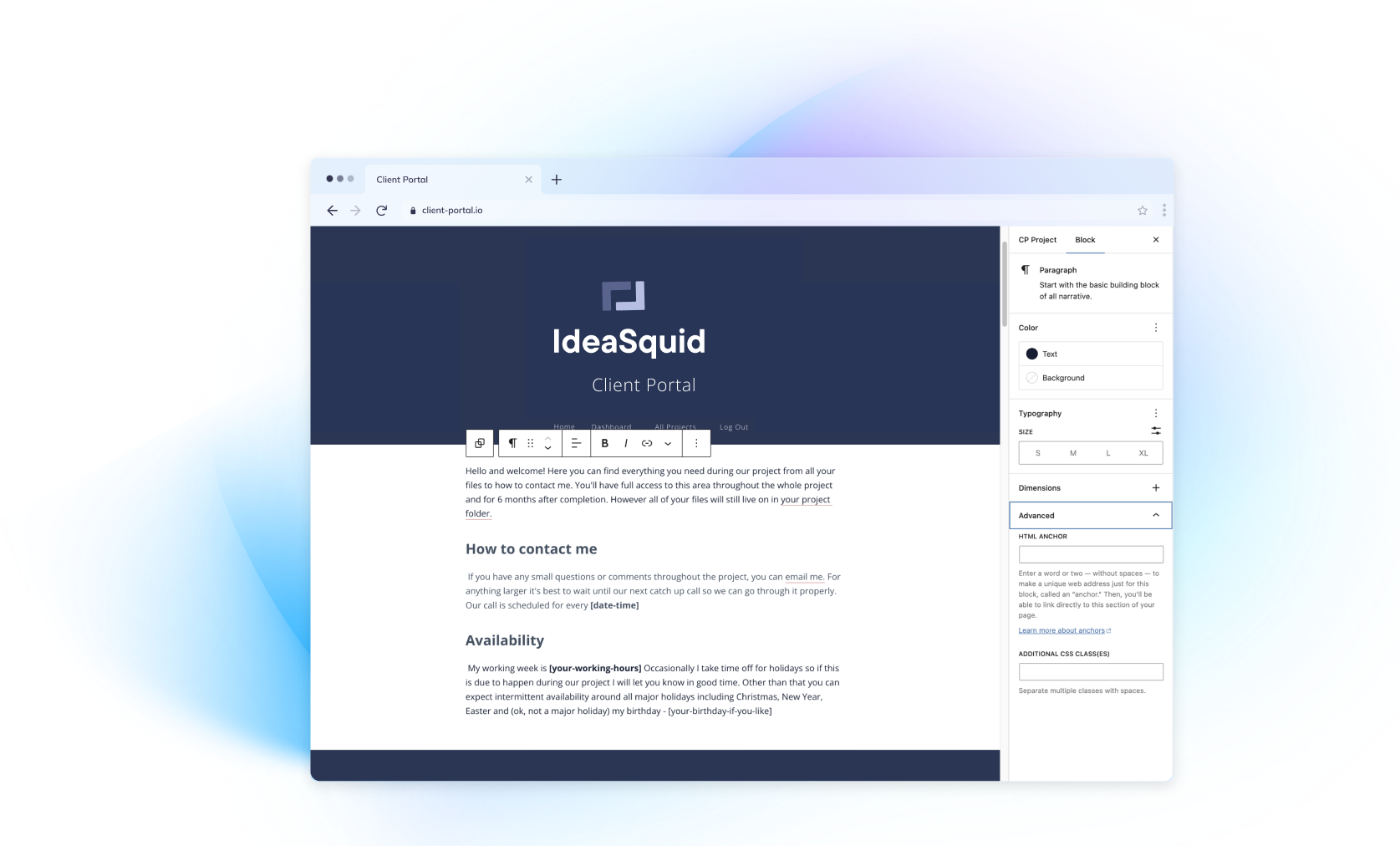
- Custom URL slugs on content pages - you can now set a custom slug on any content page directly from the editor sidebar.
A few smaller fixes:
- Fixed the Mark as Complete 500 error when email notifications fail
- Fixed REST API access for non-admin users in the block editor
- Added a safeguard against accidentally bulk-detaching users from portals
- Various security fixes
What's next for Client Portal
The main focus right now is a migration tool to help people move their classic editor portals over to the block editor version.
The block editor has been a point of friction for some customers, but it's the right foundation for Client Portal going forward. The editing experience is closer to what clients actually see, and the new content page blocks simply wouldn't be possible without it. If you're using the classic editor for the rest of your WordPress site and don't want to switch, there's a custom script that lets you run the block editor just for Client Portal without affecting anything else. Check out this tutorial if you'd like help with that.
Beyond the migration tool, the focus is on UX improvements - working through customer feedback to make portals faster, easier, and more intuitive. You can keep an eye on progress and add your own feature requests via the roadmap.
Not using Client Portal yet? Check out Client Portal and see what it's all about.
Current Client Portal user? Head over to your dashboard and start enabling comments on your content pages.